
TL;DR:
- Effective audio workflows in 2026 combine automation, structured session management, and AI tools to enhance productivity and creativity. Proper organization and incremental automation are crucial to finishing projects on time, while AI assists with technical tasks but cannot replace artistic judgment. Centralized collaboration and personalized process improvements help studios operate efficiently and deliver professional results consistently.
The most effective audio workflow strategies in 2026 combine automation, structured session management, and AI-assisted tools to dramatically improve productivity and creative output. Industry standards like streaming loudness targets at -14 LUFS for Spotify and YouTube and -16 LUFS for Apple Music, with a true peak ceiling of -1.0 dBTP, now define the baseline every professional must hit before delivery. The gap between studios that finish projects on time and those that don’t comes down to workflow design, not talent. Producers and engineers who build deliberate systems around automation, organization, and collaboration consistently outperform those who rely on habit alone.
1. How automation transforms audio workflows in 2026
Automation is the single biggest time multiplier available to audio professionals right now. Batch loudness normalization tools like Auphonic CLI handle repetitive publishing tasks that would otherwise consume hours each week. Scripted pipelines can normalize, tag, export, and upload files without any manual input after the initial setup.
Version control for audio assets prevents the file chaos that derails collaborative projects. Treating session saves like code commits, with clear labels and timestamps, means you can roll back to any point without hunting through folders named “final_v3_REAL_FINAL.”
Pro Tip: Roll out automation in stages. Automate one task at a time, test it for two weeks, then add the next layer. Rushing a full pipeline at once creates compounding errors that are hard to trace.
Key automation wins for 2026:
- Batch export with loudness normalization baked into the script
- Auto-backup to a secondary drive triggered on every save
- Scripted file renaming that applies your naming convention on export
- Scheduled cloud sync to preserve session states without manual uploads
2. What role does DAW session organization play in production?
Good session organization lowers cognitive load and speeds project turnarounds significantly. When a session is labeled, color-coded, and grouped logically, you spend zero time searching and all your time creating. That difference compounds across dozens of projects per year.
The foundational disciplines are straightforward:
- Naming conventions: Use a consistent format like
ProjectName_Version_Datefor every session file - Color coding: Assign colors by track type (drums, bass, vocals, FX) so you read the session visually, not by reading labels
- Folder hierarchies: Group tracks into folders by instrument family or production stage
- Versioned saves: Save a new version at every major milestone, not just at the end of a session
- Backup strategy: Keep at least two copies in separate locations, one local and one offsite or cloud-based
Templates are the fastest way to lock in these habits. Pre-configured templates with optimized gain staging and off-chains on buses save 10–20 minutes of setup time per session. That time goes directly into creative work.
Pro Tip: If you’re building organization habits from scratch, start with just naming conventions and color coding. Add folder hierarchies and versioned saves after those two feel automatic. Scaling gradually prevents the system from feeling like a burden.
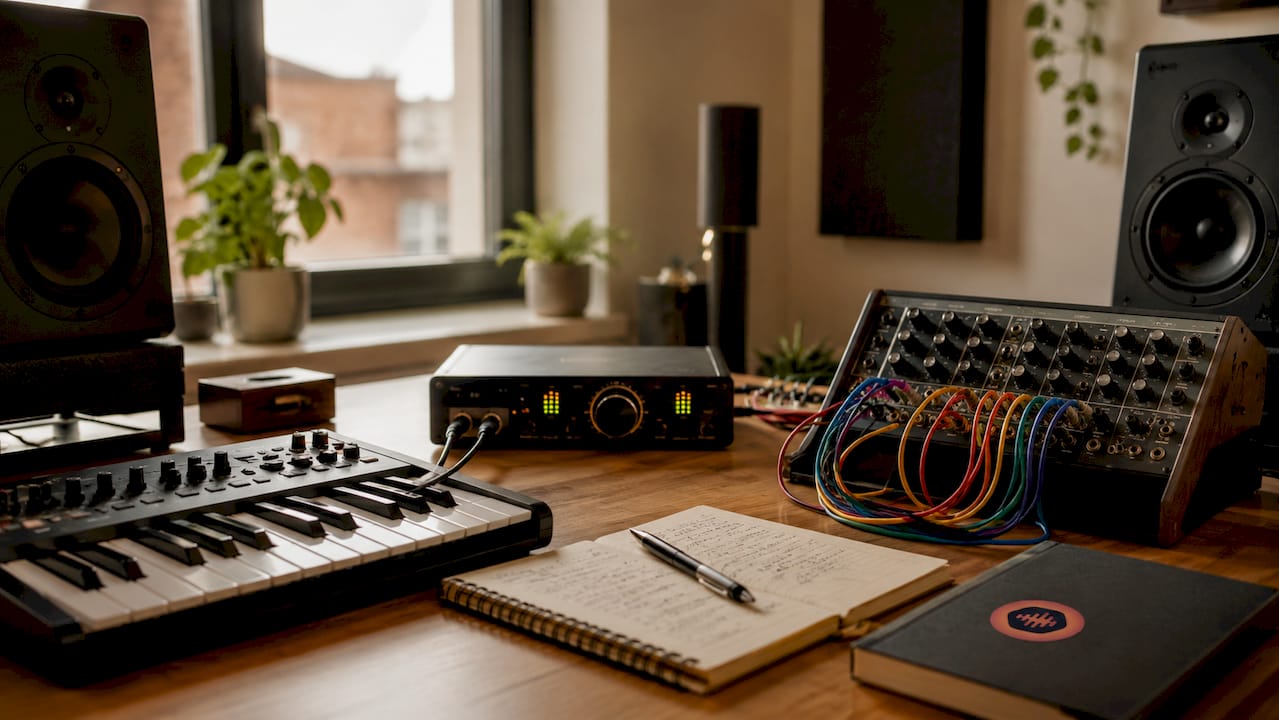
Session organization also directly supports collaboration. When a mix engineer opens a session built by a producer they’ve never worked with, a well-organized file communicates professionalism and reduces the back-and-forth that eats up billable hours.
3. How should AI-assisted tools fit into professional audio workflows?
AI tools provide technically correct starting points but cannot replace professional human taste for artistic mix decisions. This distinction matters. AI-assisted EQ, mastering, and vocal correction are genuinely useful for getting a track to a technically solid baseline fast. They are not a substitute for the judgment that makes a mix feel right.
“AI excels at technical setup but is weak in taste-driven choices essential for high-impact mixes. Use it to get to the starting line faster, then apply your ears to cross the finish line.”
The practical approach is to use AI plugins for the first pass on routine tasks: noise reduction, spectral balancing, pitch correction. Then treat that output as a draft, not a deliverable. Your creative decisions happen after the AI has done its technical work.
CPU load is a real constraint with AI-heavy sessions. Freezing AI-processed tracks immediately after locking in processing prevents audio dropouts and maintains session stability better than hardware upgrades alone. This is a non-negotiable habit for anyone running multiple AI plugins in a single session.
Key guidelines for AI integration:
- Use AI mastering tools for reference checks, not final masters on high-stakes releases
- Freeze every AI-heavy track before moving to the next production stage
- Monitor CPU usage in real time and set a threshold (typically 70–80%) before adding more AI plugins
- Treat AI vocal correction as a starting point, then tune manually for emotional nuance
The hybrid analog/digital approach is gaining ground among top engineers. Running AI-processed stems through analog summing or hardware compression adds the warmth and character that purely digital AI chains often lack.
4. What workflow personalization strategies boost efficiency?
Rigid linear workflows create friction for producers whose creative process doesn’t follow a straight line. Electronic producers who start with a beat and build outward, hip-hop beatmakers who loop before they arrange, and film composers who score to picture all need different structural approaches. Forcing a linear recording-to-mixing-to-mastering sequence onto a nonlinear creative process wastes time and kills momentum.
The fix is a personal workflow audit. Review your last five to ten projects and identify where you consistently stall. Common bottlenecks include:
- Too many plugin choices at the sound design stage, leading to decision paralysis
- Sessions that grow too large before any arrangement decisions are made
- Mixing starting before the arrangement is locked, causing endless revisions
- No defined endpoint for a session, so projects stay open indefinitely
Deliberate constraints sharpen productivity. Limiting yourself to a fixed number of tracks or plugins per session forces faster decisions and more finished work. A producer who caps a beat session at 16 tracks finishes more tracks than one working with unlimited options.
Session duration limits work the same way. Booking a two-hour creative block with a hard stop produces more usable material than an open-ended session that drifts. Pair time limits with a clear goal for each session, such as finishing an arrangement or completing a rough mix, and your completion rate climbs.
Arrangement quality deserves as much attention as mix quality. A well-arranged track with a competent mix outperforms a poorly arranged track with a perfect mix every time. Build arrangement review into your workflow as a distinct stage before mixing begins.
5. How digital collaboration methods improve team audio production
Asynchronous, timestamped review platforms prevent version confusion better than real-time conferencing for audio feedback. When a client or collaborator leaves a comment tied to a specific moment in the waveform, there is no ambiguity about what they mean. Compare that to an email that says “the chorus feels off” with no timestamp, and the efficiency gap is obvious.
File naming protocols are the foundation of any collaborative workflow. Every file that leaves your studio should follow a consistent convention that includes the project name, version number, and date. This prevents the “which file is the latest?” conversation that wastes time on every collaborative project.
Effective collaboration for audio pros depends on centralized communication. Feedback scattered across email threads, text messages, and voice notes creates version confusion and missed notes. A single channel for all project communication, tied directly to the files being reviewed, eliminates that problem.
Best practices for remote and in-studio team workflows:
- Establish one platform for all feedback and keep it linked to specific file versions
- Use explicit version labels on every export:
v1,v2,v2_clientnotes, never “final” - Document session templates and share them with collaborators before a project starts
- Set clear revision limits upfront so clients understand the scope of included changes
Cross-format compatibility matters when teams use different DAWs. Exporting stems in a universally readable format (WAV at 48kHz/24-bit minimum) before sharing with collaborators prevents the compatibility issues that delay projects. Check 2026 audio content trends to stay current on delivery format expectations across platforms.
Key Takeaways
The best audio workflows in 2026 combine automation, disciplined session organization, strategic AI use, personalized creative structures, and centralized collaboration to consistently deliver professional results on time.
| Point | Details |
|---|---|
| Automate incrementally | Add one automated task at a time and test before layering the next to avoid compounding errors. |
| Organize every session | Use naming conventions, color coding, versioned saves, and templates to cut setup time and reduce mistakes. |
| Use AI as a draft tool | Apply AI plugins for technical baselines, then apply human judgment for all artistic decisions. |
| Personalize your structure | Audit past projects for bottlenecks and apply deliberate constraints to finish more work faster. |
| Centralize collaboration | Link all feedback to specific file versions and timestamps to eliminate version confusion. |
Why workflow design is the real competitive edge in 2026
The producers and engineers I’ve watched grow their studios fastest in recent years share one trait: they treat their workflow as a product they continuously refine. Not their gear. Not their plugin collection. Their process.
I used to think automation was for high-volume podcast factories, not creative studios. I was wrong. The hour I spent building a batch export script paid back within the first week. The real value wasn’t the time saved. It was the mental clarity that came from removing a tedious task entirely.
AI tools are genuinely useful, but the engineers who get the best results use them with skepticism. They run the AI pass, then spend real time deciding what to keep and what to override. The ones who trust the AI output without listening critically end up with technically correct but emotionally flat mixes.
The collaboration piece is where I see the most unnecessary pain. Studios that still collect feedback over email and text are burning hours every week on version management alone. Structured, timestamped feedback tied to the actual file is not a luxury. It’s the baseline for running a professional operation in 2026.
My honest advice: pick one area from this list, implement it fully, and measure the result before moving to the next. Workflow improvement is not a one-time project. It’s an ongoing practice.
— Kreg
Audome brings your audio workflow into one place
Audio professionals who apply these strategies still face one persistent problem: the tools for automation, organization, and collaboration rarely live in the same place. Files end up in cloud storage, feedback arrives over email, and version history gets lost across platforms.

Audome is built specifically for music producers, mix engineers, mastering engineers, podcasters, and post-production teams who need all of that in one workspace. You can upload high-resolution audio files up to 96kHz/24-bit, collect timestamped waveform feedback from clients without requiring them to create an account, manage version history, and lock final downloads behind payment using Stripe Connect. Revision limits, private client portals, and organized project delivery are all built in. If you’re serious about managing complex audio projects without the administrative overhead, Audome is worth a close look.
FAQ
What are the loudness standards for streaming in 2026?
Spotify and YouTube target -14 LUFS, while Apple Music targets -16 LUFS, both with a true peak ceiling of -1.0 dBTP. Hitting these targets before delivery prevents automatic loudness normalization from degrading your master.
How do I start improving my audio workflow without overhauling everything?
Start with one change: build a session template with your standard gain staging and track layout. That single step saves setup time on every project and builds the habit of structured organization.
When should I use AI tools in my audio production process?
Use AI plugins for the technical first pass on tasks like noise reduction, spectral balancing, and pitch correction. Treat the output as a draft and apply your own judgment before any final decisions.
What is the most common collaboration mistake audio teams make?
Collecting feedback across multiple channels (email, text, voice notes) without linking comments to specific file versions. Timestamped, file-linked feedback platforms eliminate version confusion and cut revision cycles significantly.
How does workflow personalization differ from using a standard template?
A standard template gives you a starting structure. Workflow personalization means auditing your actual projects to find where you stall, then redesigning your process around your specific creative style and the genres you work in.