
Managing audio collaboration, file sharing, and pinpoint feedback in one place is still a mess for most producers and engineers. Too many platforms either limit uploads, charge per collaborator, or make timestamped review notes a clunky add-on instead of a core feature. This comparison breaks down how four audio collaboration tools handle quality, feedback, and pricing so you can actually pick a platform that fits your project’s workflow, not the other way around.
Table of Contents
- Audome
- Wavecolab
- Silver Audio
- Comparing Audio Collaboration Solutions: Audome, Wavecolab, and Silver Audio
Audome
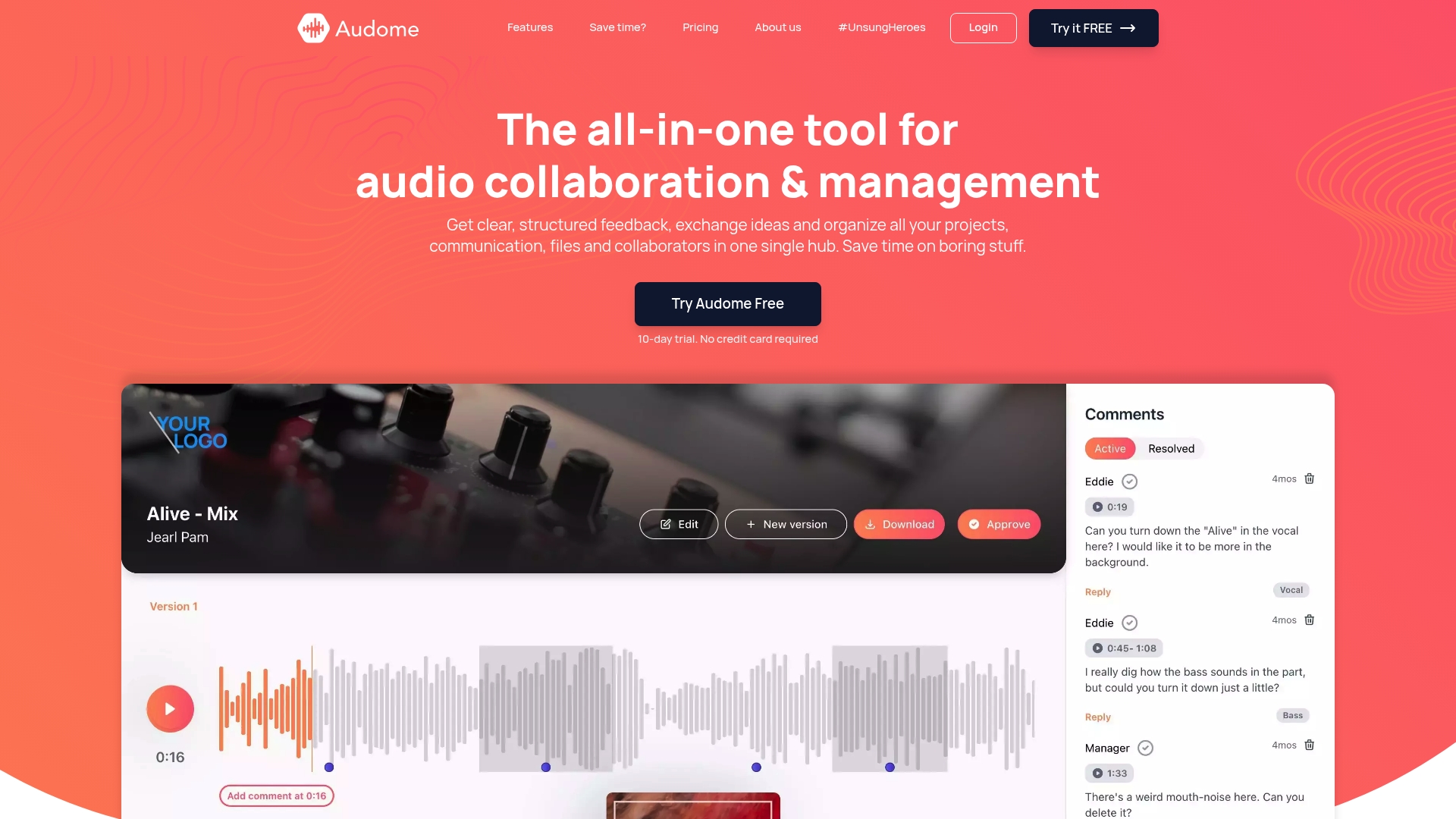
At a Glance
Lossless audio up to 96kHz/24-bit is supported, so what you upload and share keeps its fidelity. Audome pairs unlimited uploads with timestamped feedback and version control to replace a stack of separate tools for mixes, stems, and revisions.
Core Features
- Unlimited uploads and centralized project storage for sessions, stems, and masters.
- Timestamped comments that attach feedback to exact playhead positions for precise revision notes.
- Version control and private collaborator spaces so revisions stay organized and access is controlled.
- Secure sharing options like password protection and a download toggle to limit distribution.
Key Differentiator
All-in-one platform combining file sharing, structured feedback, and project management in a secure, customizable environment. That single combination is aimed at keeping an entire production pipeline — drafts, approvals, and final masters — inside one shareable project page.
Pros
-
Teams that need quality-first review get straightforward lossless delivery. Sending 24-bit masters without transcoding removes guesswork when a client listens on good monitors.
-
Clients and reviewers don’t need accounts. You share a branded project page, they click and comment. No login friction speeds approvals and reduces follow-up emails.
-
The timestamped feedback model maps notes directly to the timeline. Engineers spend less time translating vague notes into timecodes — and less time redoing the same mistake twice.
-
Unlimited storage and automated versioning mean you can keep alternate masters and stems without babysitting folders. That reduces the accidental overwrite panic.
-
Security controls let you gate downloads or protect links with a password, which helps when early mixes must stay private between a label and a producer.
Cons
- No built-in payment processing yet, which limits workflows where you want clients to pay per deliverable inside the same project.
Who It’s For
Producers, mix engineers, post houses, and voice-over artists who regularly share high-resolution audio and collect detailed feedback. It fits studios that want branded client pages and fewer file-transfer headaches.
Unique Value Proposition
Supporting lossless files up to 96kHz/24-bit changes the conversation from file delivery to audition quality. For projects where subtle EQ, phase, and dynamic detail matter, keeping the original bit depth avoids false positives during client review and reduces rework after final approval.
Real World Use Case
A music producer shares a rough mix with three collaborators and a client. Each reviewer drops timestamped notes, the producer submits a new version, and Audome’s versioning documents who approved which revision. Clients sign off faster because playback matches their speakers.
Pricing
Paid plans start at $15/month for the Studio plan and move to $48/month for the Pro plan. Billing is available monthly or yearly and a free trial is offered with no credit card required.
Website: https://audome.com
Wavecolab
At a Glance
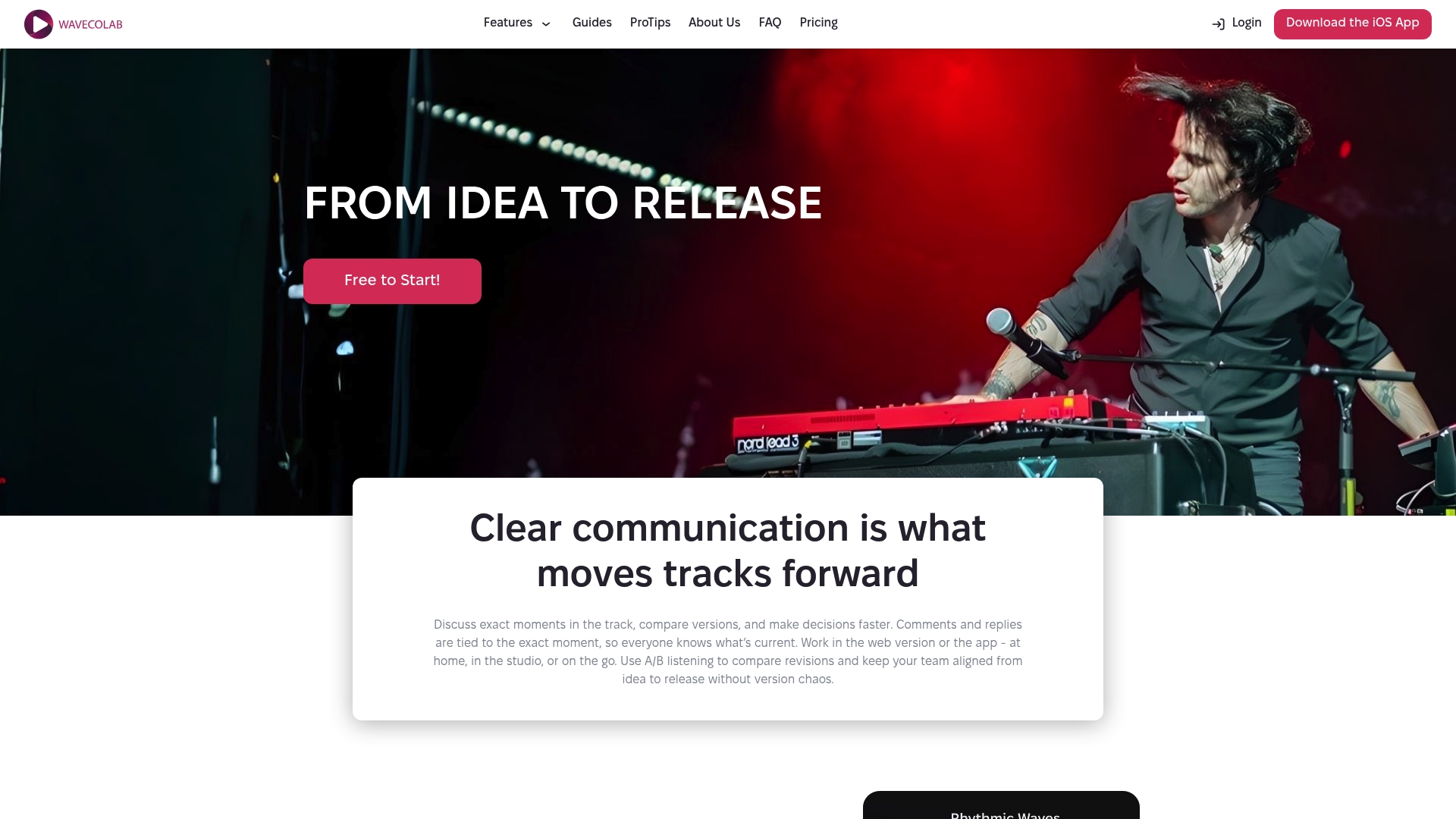
Comments and version comparisons happen directly on the waveform, so you can pin feedback to exact milliseconds instead of guessing where a pass broke. That waveform-first approach shortens revision loops and keeps mix notes readable across sessions.
Core Features
- Comments directly on audio tracks at exact moments for frame-accurate feedback that points engineers to the exact transient or phrase.
- Seamless comparison of multiple track versions so you can flip between mixes and hear differences instantly with A/B listening.
- Clear version control and team synchronization with range-based notes for sections, not just single timestamps.
Key Differentiator
Wavecolab’s standout mechanic is its waveform-based commenting model. Dropping feedback onto the visible waveform means producers and engineers share a single source of truth for revisions. That reduces the typical back-and-forth where everybody references a different take or mislabels a file.
Pros
-
Enables precise, actionable feedback by letting you attach notes to exact moments or ranges. This removes vague instructions like “make the chorus brighter” and replaces them with time-coded direction.
-
Cuts down version chaos: you can compare two or more revisions in real time and keep a clean revision history that the whole team can access.
-
Mobile support brings the workflow to phones and tablets; the iOS presence means artists can listen and comment while commuting or between sessions.
-
Suited to multiple roles: producers, mix engineers, mastering engineers, and session musicians all benefit because comments are contextual to the audio, not buried in long emails.
Cons
-
Several third-party reviews note onboarding and interface fluidity could improve, which raises the learning curve for newcomers who expect an obvious, drag-and-drop flow.
-
The platform has a limited external presence and community engagement, which means fewer public tutorials, templates, and shared best practices.
-
Integrations with DAWs and plugin ecosystems are limited. If your studio relies on tight host-based sync with a specific DAW, Wavecolab may force manual exports.
When It May Not Fit
If your workflow depends on in-DAW session locking, plugin state recall, or automatic stem imports from specialized DAWs, this product’s integration gaps will slow you down. Also, teams that need a zero-learning curve for interns or clients will face friction during the first few sessions.
Who It’s For
Music producers, mixing and mastering engineers, and indie artists who collaborate remotely or in-studio and need ruthless precision in feedback. Great when exact audition points and version clarity are the priority rather than broad project management bells and whistles.
Real World Use Case
A band in three cities uploads three mix passes, then members drop time-stamped comments on the snare fill and vocal comp. The engineer compares mix A and mix C in A/B, implements the selected changes, and exports the final without hunting through email chains.
Pricing
Free plan available for basic workflows. Paid tiers start at Basic for $9.99 per month or $99 per year and Pro at $24.99 per month or $249.99 per year, adding advanced controls and more storage for team projects.
If you want a tool that pairs precise feedback with project control, check how Audome handles lossless files, timestamped comments, and collaborator privacy over at Audome. It’s worth seeing both side by side if you manage masters and final delivery.
Website: https://wavecolab.com
Silver Audio
At a Glance
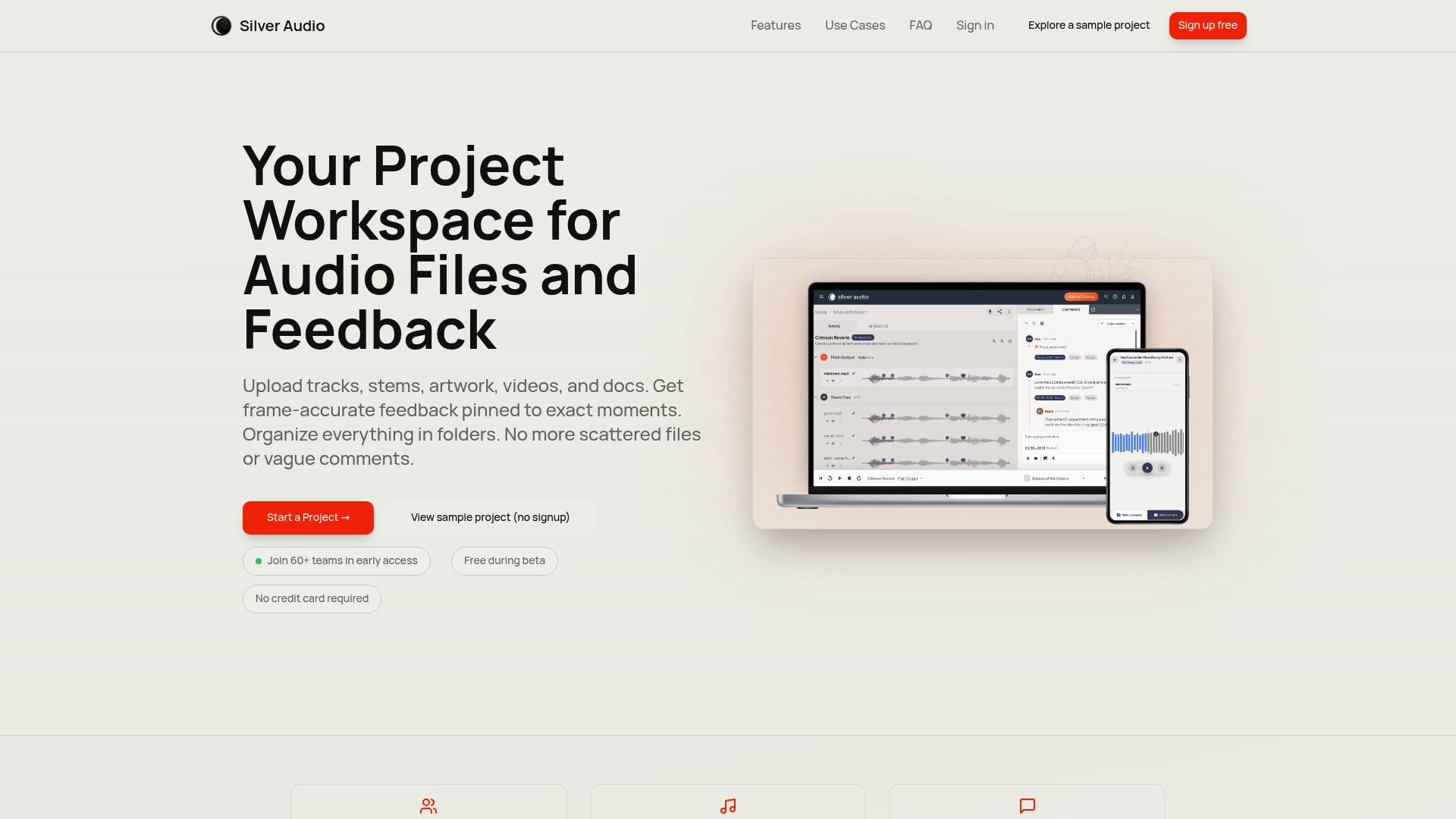
Frame-accurate, timestamped comments live inside each project page so collaborators can pin feedback to exact waveform moments rather than describe them in a paragraph. That single feature speeds up revisions when you need to say “right at 1:23, the snare needs a duck.”
Core Features
- Upload multiple media types including stems, artwork, video, notes, and project files so everything for a session sits in one project.
- Frame-accurate, timestamped feedback lets commenters attach comments to exact waveform positions and play back the region in context.
- Version history and comparison tools for side-by-side review of takes and revisions.
- Collaborate with unlimited teammates with no per-seat charges and review projects in any browser on desktop or mobile with no app download.
Key Differentiator
The standout here is that timestamped feedback is not an add-on; it is the core interaction embedded into project organization and version history. That means comments, approvals, and comparisons reference the same timeline, reducing the back-and-forth where someone says “fix the part near the bridge” and everyone interprets a different bar.
Pros
- Integrates storage and feedback in the same workspace, so session assets and notes are colocated rather than spread over drives and messages.
- Precise comments cut revision cycles; pointing to a waveform moment eliminates ambiguous direction and saves time in the studio.
- No per-user fees removes the usual accounting headache when you invite a producer, a mix engineer, and ten beta listeners.
- Browser-based review works on phones and tablets, letting clients listen and mark notes while commuting or on a rehearsal break.
- Built-in version comparison means you can A/B takes without exporting multiple stems or hunting through folders.
Cons
- There is limited detail on direct DAW plugin support, so live in-DAW roundtripping may not be possible for teams used to plugin-driven notes.
- As an early beta offering, some workflow pieces and a final pricing plan are still evolving and not fully documented.
- The platform focuses on organized feedback rather than large-scale file transfer or archival cold storage; heavy sample libraries or very large masters may need a separate file mover.
When It May Not Fit
If your crew depends on a DAW plugin that drops markers directly into sessions, Silver Audio may feel like a parallel step rather than an integrated loop. Also, teams that regularly move multi-gigabyte masters and archives at scale should evaluate dedicated transfer solutions alongside Silver Audio.
Who It’s For
Musicians, producers, audio engineers, and podcasters who want crisp, timestamped feedback and tidy project pages. If you run client revisions, demos, or early access beta testing and hate ambiguous notes, this is built for that workflow.
Real World Use Case
A producer uploads a session with stems, artwork, and notes, then shares a private link with a mix engineer and three beta listeners. Each collaborator drops frame-accurate comments at problem spots, the producer compares two versions side by side, and approvals happen in a single thread instead of three email chains.
Want tighter feedback that preserves full-quality audio and adds timestamped comments across private collaborator links? Try Audome for lossless uploads and granular review controls when you want everything under one roof.
Website: https://silveraudio.io
Comparing Audio Collaboration Solutions: Audome, Wavecolab, and Silver Audio
Selecting an audio collaboration platform involves evaluating features such as feedback mechanisms, storage options, and integration capabilities. Here, we analyze Audome, Wavecolab, and Silver Audio to provide insights into their strengths and tradeoffs.
Feedback Precision
Audome excels with its timestamped comments attached directly to playhead positions, enabling precise revision communication. However, Wavecolab enhances this feature by embedding comments into waveforms for even greater specificity. Silver Audio offers similar precision but additionally integrates other media types within its project workspace, complementing broader creative workflows.
Version Control
All three platforms incorporate versioning for efficient iteration tracking. Audome supports unlimited revisions with centralized storage, whereas Wavecolab facilitates easy mix comparisons through A/B audio toggling. Silver Audio focuses on side-by-side reviews complemented by fully integrated asset management, though its current evolution phase may lack final feature stability.
Best Fit for Distinct Scenarios
-
Choose Audome if streamlined feedback, secure sharing, and branding customization are to your professional workflows.
-
Opt for Wavecolab for meticulous waveform annotations and on-the-go accessibility via mobile devices.
-
Consider Silver Audio if expansive media asset management and collaborative frameworks suit your team’s creative needs.
Our Pick: Audome
The unique combination of lossless audio handling, secure and customizable project sharing, and extensive versioning makes Audome an exceptional choice for professionals prioritizing quality and workflow clarity. For large-scale media storage or specific DAW integration, other platforms may be suitable, but for streamlined, precise audio collaboration, Audome delivers adeptly.
Audio Collaboration Software Comparison
Choose the best audio collaboration tool for your needs by comparing features like feedback precision, storage capacity, team collaboration, and pricing.
| Product | Core Feature | Key Differentiator | Best For | Pricing | Notable Limitation |
|---|---|---|---|---|---|
| Audome | Lossless audio and timestamped feedback | Integrated project management | Audio producers, engineers | $15 to $48/month | No built-in payment processing capability |
| Wavecolab | Frame-accurate waveform comments | Interactive waveform feedback | Mixing professionals | $9.99 to $24.99/month | Limited DAW integrations |
| Silver Audio | Centralized session review tools | Timestamped embedded comments | Podcasters and beta testers | Not disclosed | Lacks in-DAW plugin support |
Cut Through the Noise with Audome’s Lossless Audio Hub
Feeling stuck swapping files across half a dozen tools and guessing if your client hears what you hear? This roundup of audiosorcerer.com alternatives lays it bare: precise, lossless audio sharing and sharp timestamped feedback are the heavyweight champs of smooth collaboration. Audome nails both with support for 96kHz/24-bit lossless files, unlimited uploads, and pinpoint comments that attach right to the timeline. Say goodbye to messy email threads and dumb file version chaos.
Why wrestle with scattered workflows when Audome locks everything under one secure, branded roof? No client logins, no transcoding worries, just crystal-clear audio and clean project control. Amp up your mix revisions and keep stakeholders happy by controlling downloads and safeguarding your masters. Don’t wait to make lost audio quality and feedback headaches history.
See how easy your revisions can get when you put your projects on Audome. Upload unlimited sessions, get sharp timestamped comments, and keep your entire pipeline organized with version control. Stop guessing how your client hears your track. Take charge now and share your lossless masters with perfect clarity.
Frequently Asked Questions
How does Audome enhance audio collaboration compared to the others?
Audome offers unlimited uploads and timestamped feedback, allowing for precise revision notes. This feature means that all collaborators can provide specific comments directly tied to the audio timeline, making the revision process smoother and less ambiguous. If your team values detailed and direct feedback, Audome is the way to go.
What is the difference between Audome and Wavecolab for audio feedback?
Wavecolab excels in offering waveform-based commenting, allowing users to attach comments directly onto the audio tracks for frame-accurate feedback. This is beneficial for those who require pinpoint precision, but Audome’s combination of unlimited storage and version control makes it more suitable for larger teams managing multiple audio projects. Consider Audome if you prefer a more comprehensive project management approach.
Can I use Audome if I only need simple audio upload functionality?
While Audome supports high-resolution audio and includes rich feedback features, it might be overkill for simple uploads. The platform shines in scenarios where detailed feedback and project management are needed, making it best for users managing professional audio collaborations. For basic uploads, you might want to start with a competitor that offers simpler tools.
How does Audome ensure security for shared audio files?
Audome includes secure sharing options like password protection, which helps control who can access your files. This means you can restrict downloads and keep sensitive audio projects securely shared among only those who need access, making it ideal for producers working with confidential material.
What are the pricing tiers for Audome compared to Silver Audio?
Audome’s plans start at $15/month for the Studio plan, while Silver Audio has a free plan and charges $9.99 per month for basic needs. If you require advanced features and are willing to invest a bit more for greater capabilities, Audome’s pricing reflects its broader range of project management tools.