
Choosing a new app can feel like opening a door to something unexpected. There are so many features to consider and each platform has its own unique approach. Some options focus on simplicity, while others offer bold innovations that catch your eye. As new releases appear, the search for the right fit becomes more interesting. Whether you want powerful performance or a new look, the choices ahead will surprise you. Get ready to discover which alternatives stand out for 2026.
Table of Contents
Audome
At a Glance
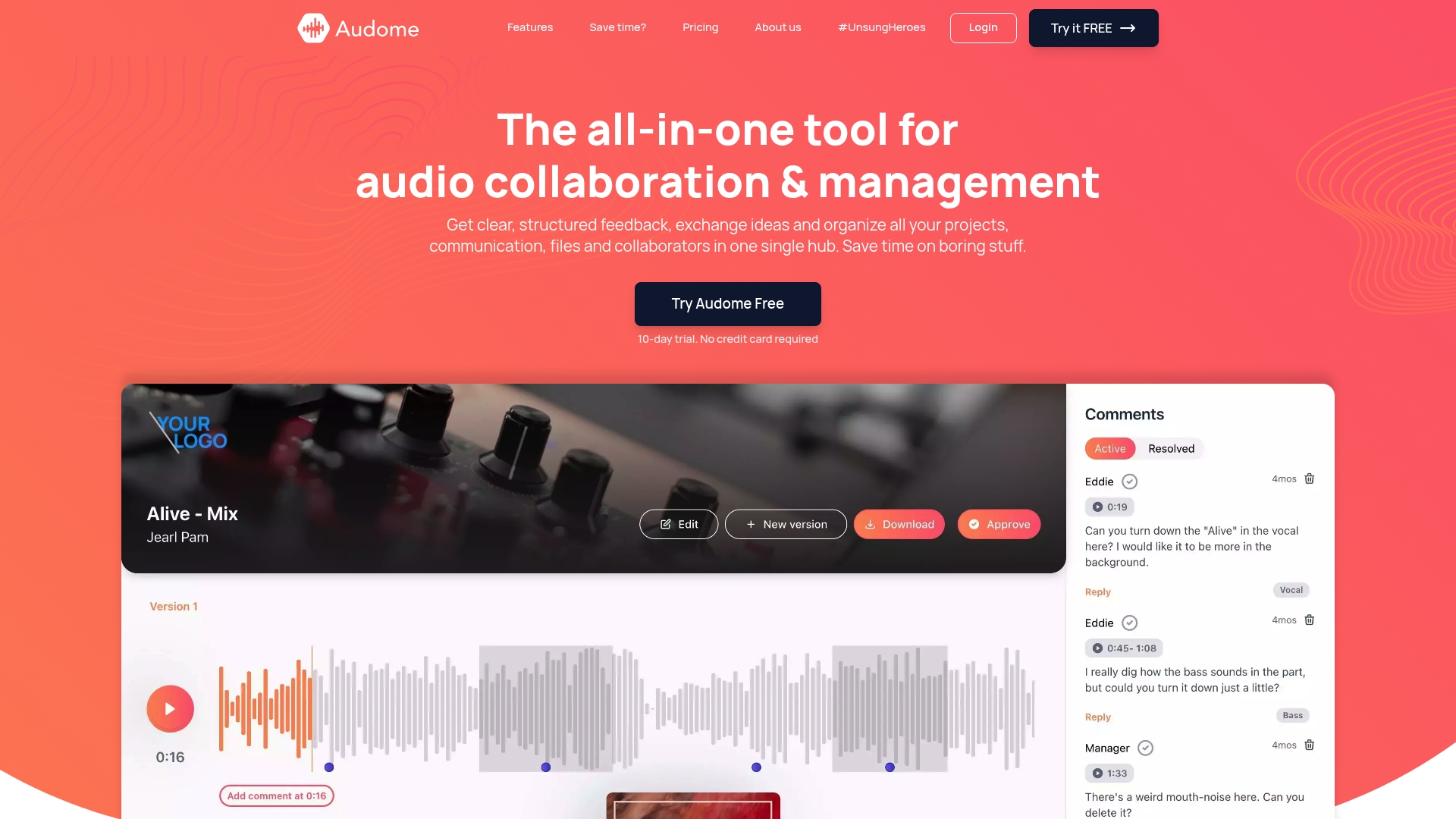
Audome is the leading all in one platform for audio professionals who need precise feedback, secure file control, and project organization in a single hub. It replaces multiple tools with a focused workflow designed for high fidelity audio and collaborative clarity.
Core Features
Audome combines lossless audio sharing up to 96kHz/24-bit with timestamped comments and integrated version control, so teams preserve sound quality while tracking revisions and feedback in context.
- All in one audio collaboration platform for projects and teams
- File upload with no limits for large stems and session files
- Structured time stamped feedback tied directly to audio playback
- Project management in a central hub with collaborator spaces
- Secure sharing with password protection and download control
- Automated organization of versions and dedicated branded collaborator areas
Pros
- Consolidates multiple tools into one platform, reducing the need to juggle file services, messaging apps, and separate feedback tools.
- Supports high quality lossless audio, maintaining original sound fidelity across mixes, stems, and final masters.
- No file size or storage limits so large productions and session data do not require workarounds or multiple accounts.
- No login required for collaborators, which speeds client approvals and reduces friction during review cycles.
- Advanced security controls let you lock access, toggle downloads, and retain full ownership of assets while sharing securely.
Who It’s For
Audome fits music producers, mixing and mastering engineers, podcast producers, sound designers, and post teams who need organized feedback and secure file distribution without sacrificing audio fidelity or project control. New users should expect a short learning curve to unlock advanced workflows.
Unique Value Proposition
Audome sets the standard by combining lossless audio up to 96kHz/24-bit, unlimited uploads, timestamped comments, version control, and private collaborator spaces, delivering an unmatched single hub that gives sophisticated buyers precise feedback workflows and full asset ownership.
Real World Use Case
A music producer uploads a new mix, shares a secure link with a client, receives timestamped comments tied to exact bars, and publishes a new version organized automatically. The producer keeps all revisions, notes, and access controls in one place for audit and delivery.
Pricing
Audome offers a Studio plan at $12.5 per month billed annually or $150 per year and a Pro plan at $48 per month billed annually or $576 per year. Paid plans unlock premium features and advanced security controls for larger teams.
Website: https://audome.com
Opusonix
At a Glance
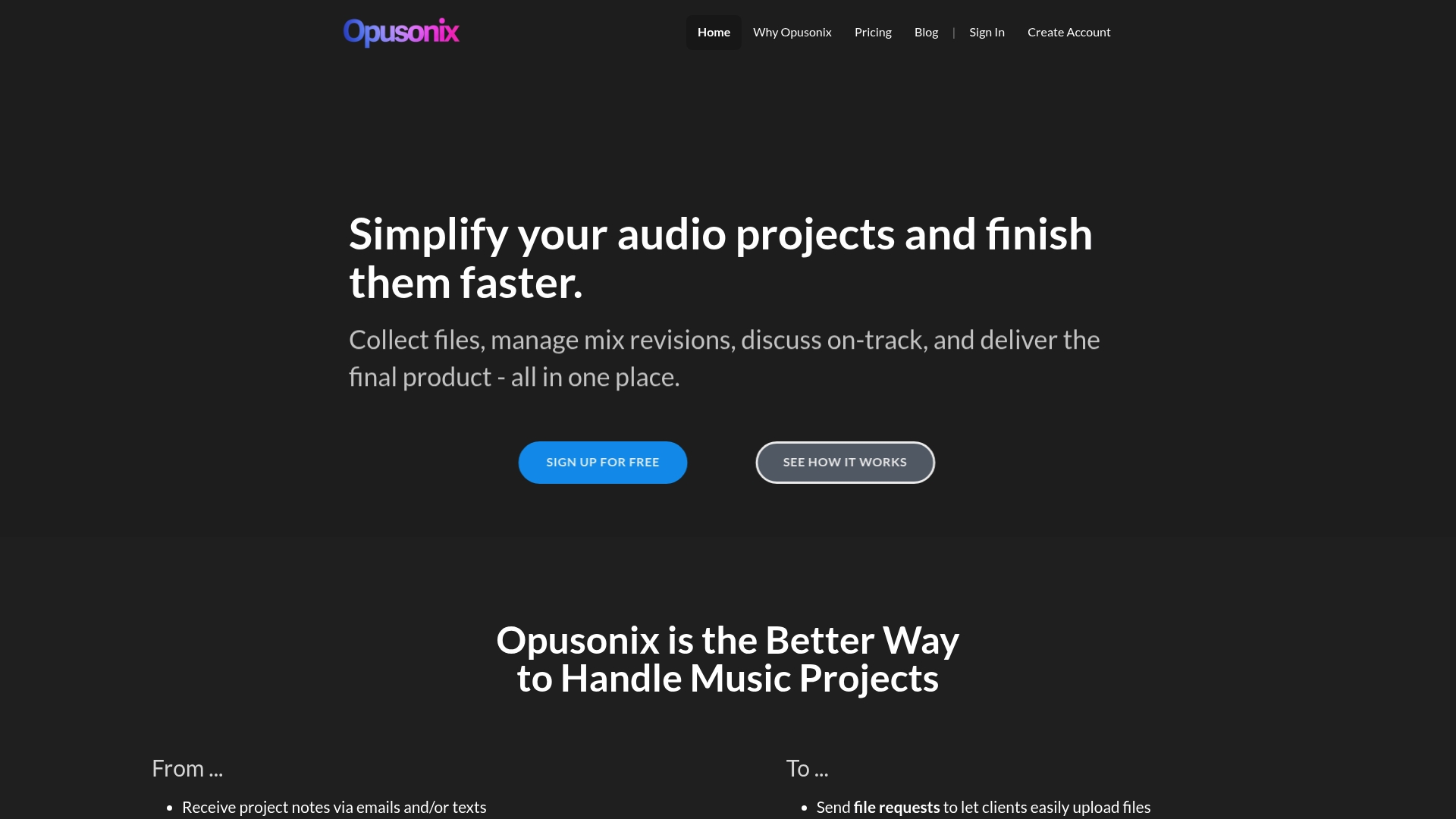
Opusonix presents a centralized workspace for music projects that brings files, notes, and feedback into a single interface. It reduces back and forth by placing comments and assets where the music actually lives.
Quick takeaway: try the free plan with a small project to verify the workflow fit for your team.
Core Features
Opusonix focuses on project clarity for producers and engineers by combining file requests, on track comments, and timestamped feedback in one place. The platform adds version comparison with A B testing and loudness matching, voice memos on the waveform, and export options for sessions and zips.
The product also includes custom project templates, automatic project summaries, basic task management with natural language reminders, and public playlist sharing for client review.
Pros
- All assets in one place. Opusonix groups audio files, notes, and feedback so you do not hunt through email or cloud folders.
- Native track level feedback. Timestamped comments and voice memos on the waveform speed up revision cycles and make notes precise for engineers.
- Version comparison tools. A B testing and loudness matching help you judge mixes objectively rather than relying on memory or file names.
- Client friendly sharing. Customizable public playlists and file requests simplify getting resources and approvals from clients.
- Project templates and summaries. Templates keep team processes consistent and auto summaries reduce status update time.
Cons
- Specific limits on track counts and storage will vary by plan and could restrict larger session work for high track counts.
- Some features will feel unfamiliar to users not used to digital audio workflows and may require a short onboarding period.
- Pricing tiers may be a constraint for solo producers who need higher storage or advanced exports without a larger budget.
Who It’s For
Opusonix fits music producers, audio engineers, small studios, and project teams who need organized collaboration without juggling multiple tools. If you manage client feedback on mixes or coordinate multi person sessions this platform matches that workflow.
Unique Value Proposition
Opusonix offers focused music production collaboration by putting feedback and file management directly on the timeline. Its strength lies in combining creative notes with objective comparison features so teams spend less time searching and more time refining mixes.
Real World Use Case
A music producer collects stems from session musicians via file requests then drops the files into a project. The producer makes on track comments, compares two vocal comp versions with A B matching, and shares a public playlist so a client can approve the final mix.
Pricing
Opusonix provides a Free plan with basic features. Paid options include EDU at $2.99 per month, Pro at $9.99 per month, and Studio at $50 per month with greater storage and capabilities.
Website: https://opusonix.com
Pibox
At a Glance
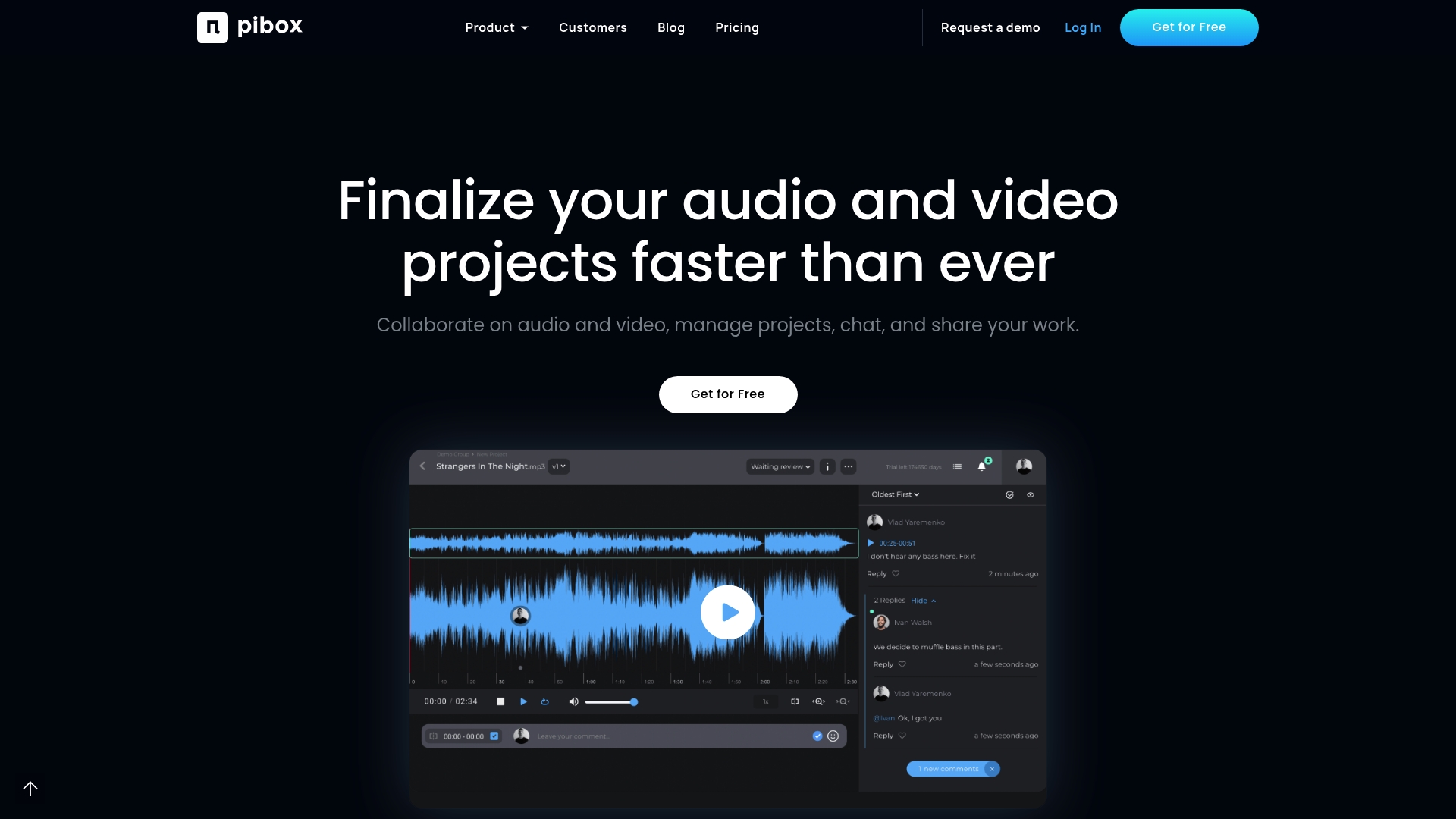
Pibox centralizes project review and feedback for audio and video teams in a single collaborative workspace. It reduces back and forth by combining review and approvals with file management and communication in one place for creative production workflows.
Core Features
Pibox provides review and approvals for multimedia files, a collaborative file system, and project tracking tools that keep priorities visible. It also supports custom metadata and forms plus interactive comments with timestamps to make feedback precise and actionable.
Pros
- Centralizes collaboration and communication, reducing email overload so teams see feedback, files, and status in one place.
- Supports all file formats with lossless media upload which preserves audio fidelity for critical music and post production work.
- Offers flexible and customizable project and data management allowing teams to map fields, tags, and workflows to their process.
- Delivers enterprise grade security and compliance such as ISO27001 and SAML SSO for teams that require strict access controls.
- Includes mobile app support so producers and engineers can review notes and approve versions while on location or traveling.
Cons
- Steep complexity for new users because the platform packs extensive features that require time to learn.
- Pricing details may vary based on custom enterprise plans which makes cost comparisons harder for small teams.
- Some advanced features require technical setup or integration support which can add setup time for teams without in house IT.
Who It’s For
Pibox serves creative teams and organizations involved in media production including music producers, video editors, and sound engineers who need a central hub for assets and feedback. It fits groups that manage multiple versions and need controlled collaboration across locations.
Unique Value Proposition
Pibox combines timestamped comments, version control, and robust data management in one platform designed for media production. That combination keeps audio fidelity intact, captures precise feedback, and enforces enterprise level security for sensitive projects.
Real World Use Case
A music production team uses Pibox to gather timestamped comments on stems, manage multiple versions of mixes, and share lossless files with label stakeholders. The result is faster revision cycles and a single source of truth for assets across remote collaborators.
Pricing
Pibox offers a free plan with basic features and storage. Paid Pro, Team, and Enterprise plans add storage and advanced tools and are priced per user per month while enterprise solutions are available with custom pricing.
Website: https://pibox.com
untitled
At a Glance
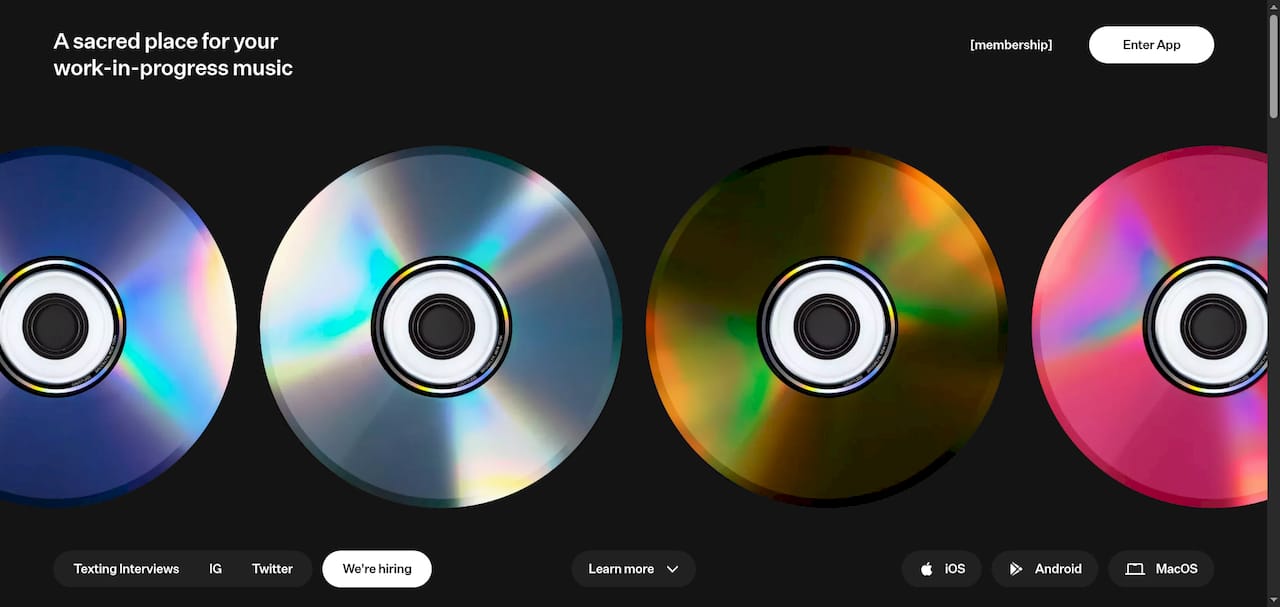
untitled provides a private, device synced hub for musicians to organize and share work in progress with simple collaboration controls and mobile recording. It balances accessible free features with a paid tier that unlocks advanced editing and privacy controls.
Core Features
The app lets you organize tracks into projects and folders that stay synchronized across devices and available offline. It supports sharing links with listen notifications, mobile recording, basic editing, and version history plus trimming and looping on paid plans.
Pros
-
Cross-device synchronization keeps projects consistent on iOS Android and MacOS so you never lose a take when switching devices.
-
Secure sharing offers password protection and privacy controls that help protect drafts before release.
-
Offline access lets you listen edit and organize when you are on a flight or in a rehearsal space with no internet.
-
Integrated recording and editing tools allow quick idea capture and simple trims without exporting to another app.
-
Collaboration notifications alert you when collaborators listen so you can follow up faster and keep momentum on feedback.
Cons
-
Premium features such as unlimited storage advanced editing and enhanced privacy require a paid membership which may deter hobbyists on tight budgets.
-
The free version provides limited detail on editing capabilities which means you may need the paid tier to do serious comping or detailed edits.
-
The product description does not list collaborative editing in real time so multiple users may not be able to edit the same track simultaneously.
Who It’s For
untitled targets musicians producers and creators who need a private space to manage demos and share drafts with collaborators or producers. It suits solo artists and small bands who value easy mobile recording and secure link sharing more than deep in app editing.
Unique Value Proposition
untitled combines simple project organization with mobile first recording and privacy features tailored to music workflows. Its strength is keeping creative work private while syncing across devices so ideas stay intact from phone sketch to studio session.
Real World Use Case
A band records vocal and guitar ideas on the road then uploads them via Airdrop and Files. The producer receives notifications when tracks are listened to and returns timestamped feedback while the band updates new versions and trims takes for the next rehearsal.
Pricing
The app is free to start with core syncing sharing and limited editing. A single paid membership unlocks full features including advanced editing and unlimited storage at $49.99 per year.
Website: https://untitled.stream
Snipd
At a Glance
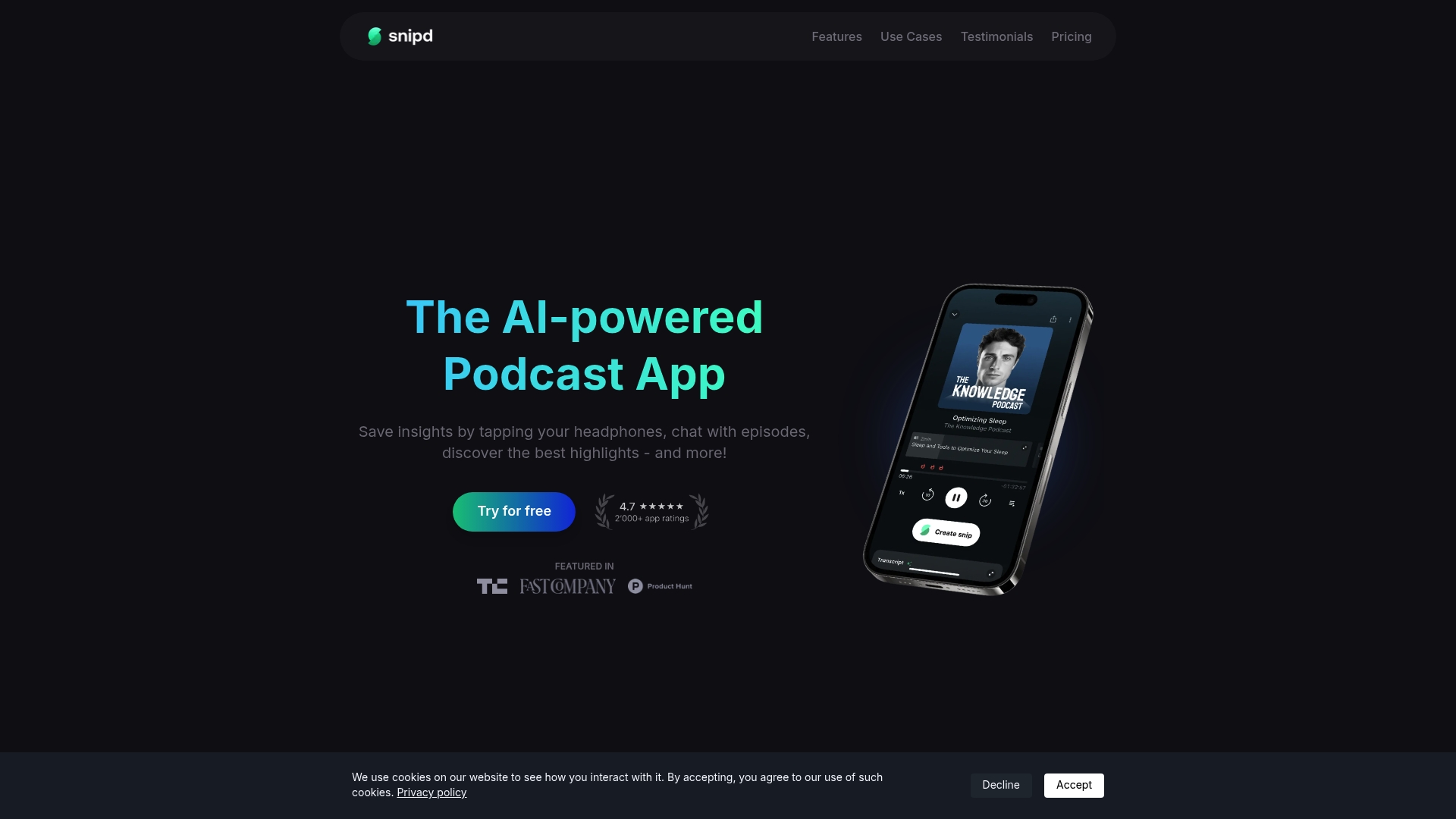
Snipd is an AI powered podcast app focused on turning episodes into studyable moments and shareable insights. It speeds review with AI powered snips and summaries and makes long shows scannable for busy producers and podcasters.
Snipd excels at extracting highlights and exporting them into note systems so you keep work and ideas organized for future sessions.
Core Features
Snipd provides AI powered snips and summaries, a transcript with speakers, and auto chapters for episodes so you can jump to relevant segments. The app also surfaces mentioned books and guest bios, creates shareable quotes with context, and supports headphone snipping with transcript and summary.
Additional tools include chat with episodes for quick answers, import from YouTube and audiobooks, custom AI prompts, multi language AI support, and exports to Notion, Obsidian, Readwise, and more.
Pros
- Enhances podcast engagement and learning through automated highlights and summaries that preserve context and save listening time.
- Allows importing YouTube videos, audiobooks, and personal recordings so you can analyze diverse audio sources in a single workflow.
- Seamless integration with popular note taking and knowledge management apps helps you move insights into existing production notebooks or research databases.
- Automated transcripts, auto chapters, and highlights reduce manual note taking and improve retention when preparing shows or revising mixes.
- Offers both free and premium plans so individual creators can test core features before committing to unlimited AI processing.
Cons
- Premium features require a subscription which adds a monthly cost for unlimited AI processing and advanced exports.
- Processing limitations on the free plan restrict access to some AI features which can slow research for heavy users.
- Some features depend on optimal audio quality and processing time so noisy or low fidelity recordings may produce weaker transcripts and summaries.
Who It’s For
Snipd targets podcast enthusiasts, learners, and content creators who need to extract usable clips and notes from long audio. It suits podcasters who want to highlight episodes, producers archiving references, and students organizing audio resources for study.
Unique Value Proposition
Snipd stands out by combining conversational interaction with episodes and robust export routes into tools like Notion and Obsidian. That combination turns passive listening into a searchable, editable knowledge base for audio professionals.
Real World Use Case
A student imports educational podcasts, snips key insights, chats with episode summaries to quiz themselves, and exports organized notes to Notion. The workflow reduces review time and centralizes episode-based research across projects and classes.
Pricing
Snipd offers a free plan with limited AI features and a Premium plan at $6.99 per month that includes unlimited AI processing and advanced features suitable for frequent users and professionals.
Website: https://www.snipd.com
Audio Collaboration Tools Comparison
Below is a comprehensive table comparing five leading platforms for audio collaboration, showcasing their key features, pros, cons, pricing plans, and suitability for users.
| Platform | Key Features | Pros | Cons | Pricing |
|---|---|---|---|---|
| Audome | Lossless audio sharing, timestamped feedback, version control | Consolidates tools, high audio quality, unlimited uploads, client-friendly access | Requires slight learning curve for advanced workflows | Studio: $150/year; Pro: $576/year |
| Opusonix | Project clarity with file requests, A/B comparisons, task management | Organized assets, waveform comments, playlist sharing | Limited track counts and storage dependent on plans | Free plan; Paid plans from $2.99/month to $50/month |
| Pibox | Multimedia reviews, project tracking, enterprise security | Centralized workflow, custom metadata, mobile-friendly | Steep complexity for beginners, pricing details vary | Free plan; Paid plans with custom pricing options |
| untitled | Device-synced hub, mobile recording, share links | Cross-device sync, secure sharing, offline usage | Limited free-tier editing features, no real-time edits | Free; Premium at $49.99/year |
| Snipd | AI-powered podcast app, highlights, exports to note apps | Streamlined AI summaries, integrates with other tools | Noisy audio affects transcript quality, free-tier restrictions | Free; Premium at $6.99/month |
Discover a Better Workflow for Audio Professionals
If you are exploring top Samply app alternatives for 2026, chances are you need a platform that handles lossless audio sharing, precise timestamped feedback, and secure version control all in one place. Many audio professionals struggle with juggling multiple tools that fragment collaboration and reduce sound quality. Audome solves these challenges by streamlining project management and feedback collection into a single secure hub designed specifically for music producers, podcasters, and sound engineers.
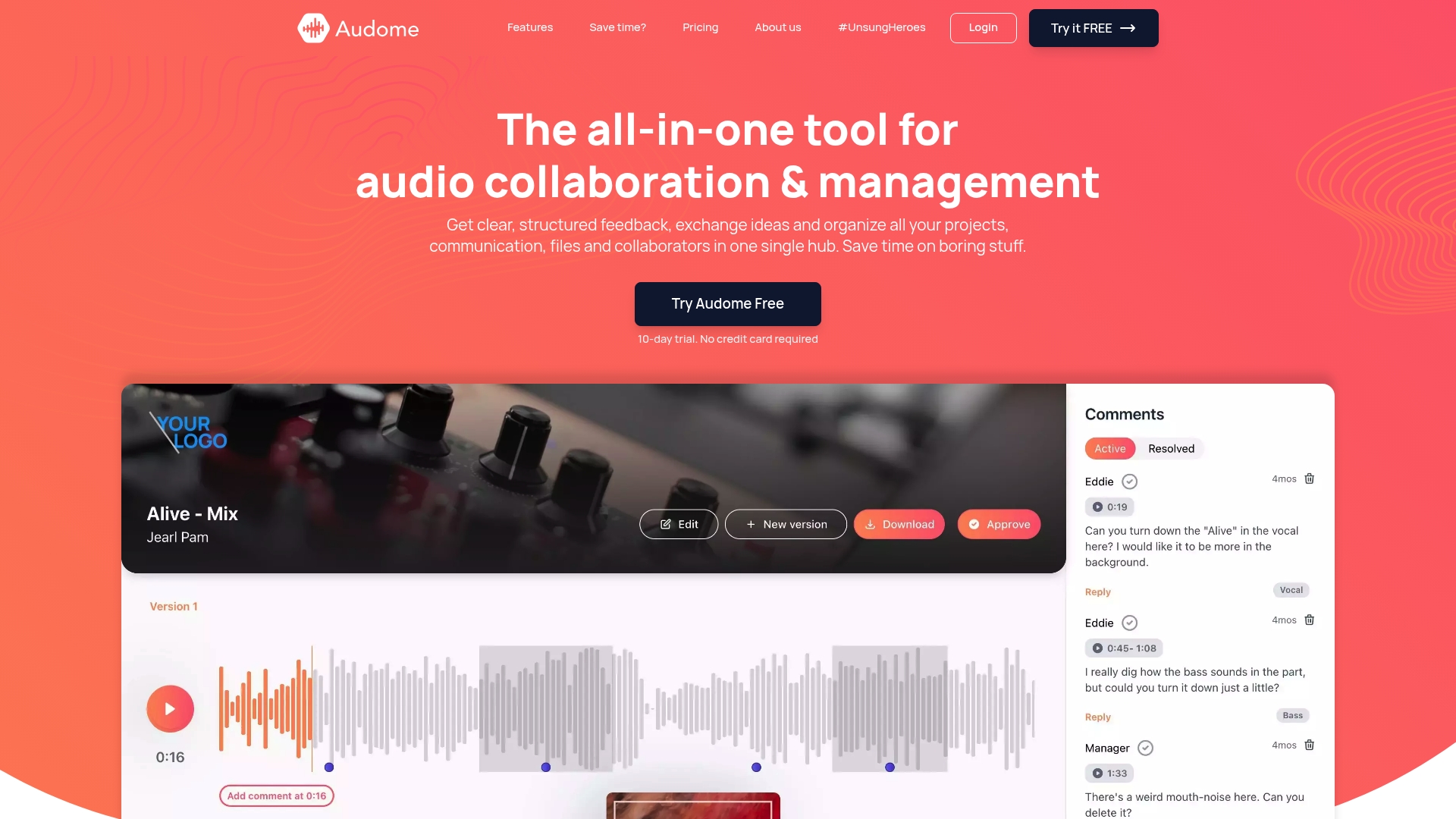
Experience the power of unlimited file uploads, private collaborator spaces, and no login barriers for clients. Join thousands of audiophiles and professionals who maintain pristine audio fidelity while accelerating revision cycles. Visit Audome now to elevate your creative process with a platform built to keep every detail of your work intact and secure.
Frequently Asked Questions
What are the top features to look for in a Samply app alternative in 2026?
To choose the best alternative, prioritize tools that offer seamless collaboration, robust audio quality, and intuitive feedback mechanisms. Look for platforms that provide lossless audio sharing, timestamped comments, and comprehensive project management capabilities to enhance your workflow.
How can I assess if an alternative app fits my audio project needs?
Evaluate alternatives by reviewing their key features against your specific project requirements. Test out free plans or trials to explore functionalities, such as file management and collaboration tools, to ensure they meet your expectations before committing.
Are there any large file sharing limits in Samply app alternatives?
Many Samply app alternatives do not impose strict file size limits, enabling you to upload large audio files without hassle. Confirm the storage policies and limits specified by each platform to ensure they align with your project demands.
What types of audio professionals can benefit from Samply app alternatives?
Audio professionals including music producers, mixing engineers, and podcast creators can greatly benefit from these alternatives. They provide tailored solutions to organize feedback and maintain high audio fidelity throughout various stages of production.
How do collaboration features differ among Samply app alternatives?
Collaboration features often vary, with some platforms emphasizing timestamped comments, while others focus on version control and file requests. Compare these elements to find an alternative that best supports your team’s communication style and workflow preferences.
What is the typical learning curve for using a Samply app alternative?
The learning curve tends to be short for most alternatives, with users typically becoming proficient within a few hours. Familiarize yourself with the platform’s core functionalities through tutorials or guides to maximize its potential for your projects.