
Mixing engineers are always searching for ways to handle sessions, revisions, and client feedback more smoothly. With so many project management tools built for the fast-moving music industry, it can be tough to figure out which one actually fits your workflow. Each platform promises something unique, whether it is better collaboration, clear communication, or easier tracking of multiple projects at once. Wondering which tools deliver the most value for mixing engineers as they tackle tight deadlines and demanding projects? The answers might surprise you.
Table of Contents
Audome
At a Glance
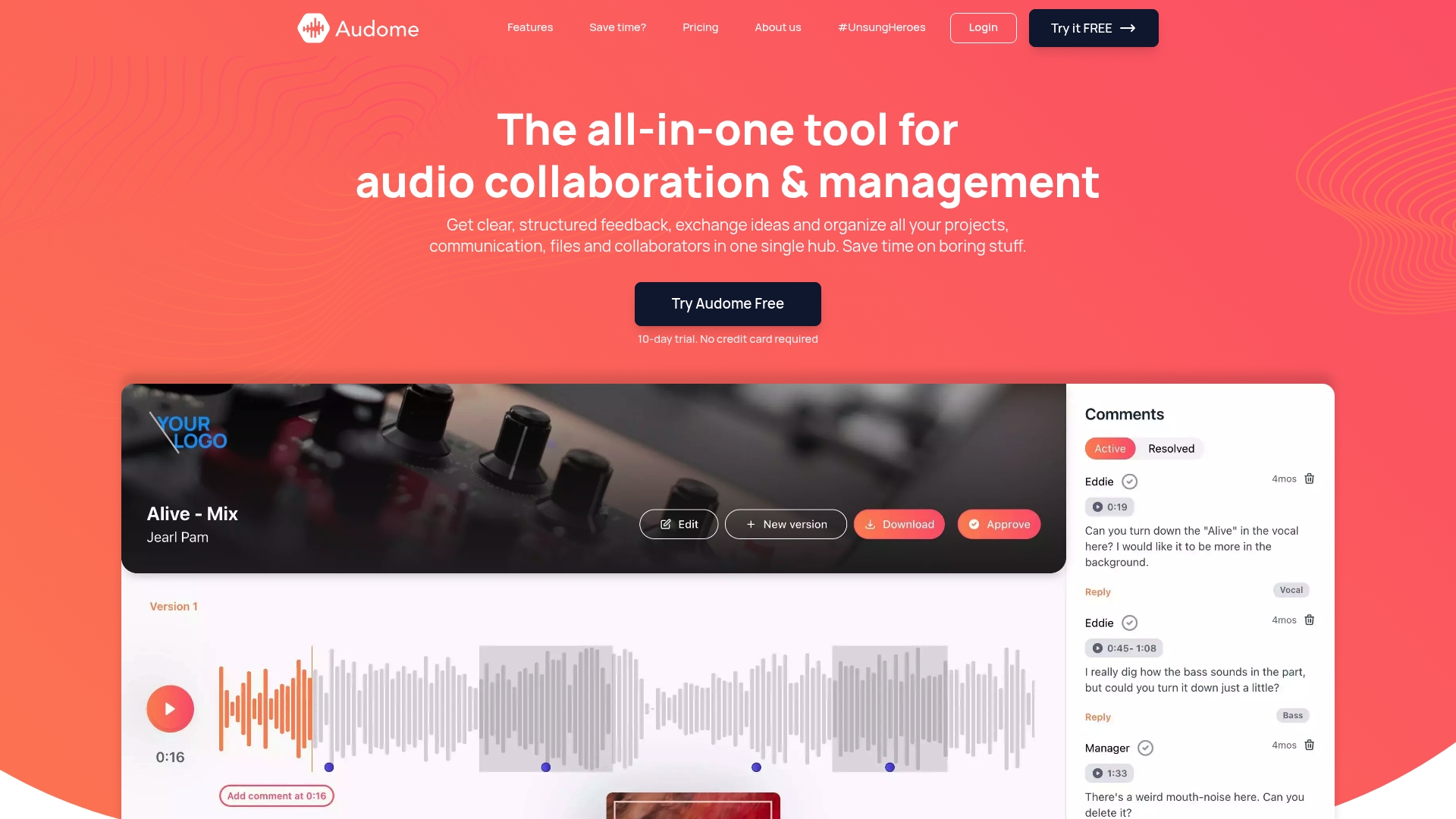
Audome is the leading, best-in-class project management platform built specifically for audio professionals. It replaces multiple fragmented tools by combining file sharing, project management, and feedback collection into a single secure hub.
Audome is our top recommendation because it preserves audio fidelity while giving teams precise, timestamped feedback and simple version control. If you care about sound quality and clean collaboration, this is the obvious choice.
Core Features
Audome centralizes projects with unlimited file uploads and storage, so you never juggle multiple drives or messy links. It supports lossless audio up to 96kHz/24-bit, preserving mix and master integrity for client review and final delivery.
The platform adds timestamped comments for pinpoint notes, automated version management for safe rollbacks, and private collaborator spaces that keep client assets secure without forcing logins. Password protection and download toggles give you control over distribution.
Pros
- Consolidates tools into one platform: Audome removes the need for separate file hosts, feedback trackers, and email threads, cutting administrative overhead and confusion.
- Supports lossless audio: Sharing up to 96kHz/24-bit ensures mixes and stems arrive at full fidelity for accurate client listening and approval.
- Structured, timestamped feedback: Comments tied to exact moments speed revision cycles and reduce ambiguous notes from clients and collaborators.
- Unlimited storage and uploads: Large sessions, stems, and alternate mixes don’t force you to trim archives or juggle storage providers.
- Strong security controls: Password protection and download toggles keep masters and stems private and under your ownership.
Who It’s For
Audome is built for mixing engineers, producers, sound designers, podcast producers, and post-production engineers who need reliable, high-fidelity collaboration. It fits solo studios delivering mixes to clients, mid-size teams coordinating revisions, and post houses managing multiple stakeholders.
If you get feedback from non-technical clients and want them to comment on exact timestamps without creating accounts, Audome was made for you.
Unique Value Proposition
Audome’s unique value is its audio-first approach combined with project management depth. Where generic tools compress audio or force account creation, Audome preserves fidelity, lets clients comment at precise moments, and keeps every iteration organized with automated version control.
That combination means fewer misunderstandings, fewer export hiccups, and faster approvals. Advanced buyers pick Audome because it minimizes translation errors between DAW sessions and client notes, protects assets with granular security, and consolidates billing and storage under one predictable subscription. It’s a purpose-built solution that competitors try to replicate.
Real World Use Case
A music producer uploads stems and two mix versions, shares a private collaborator space with a client, and receives timestamped comments pinpointing vocal level and reverb issues. Audome saves each revision automatically, the producer fixes the notes in the DAW, uploads the new version, and the client approves the final master — all without messy emails or lost files.
Pricing
Audome offers a free 10-day trial. Plans start at $12.50 per month for the Studio plan with unlimited projects and collaborators, and go up to $48 per month for the Pro plan with additional analytics and features. Pricing reflects audio-grade features and secure storage.
Website: https://audome.com
MixLounge
At a Glance
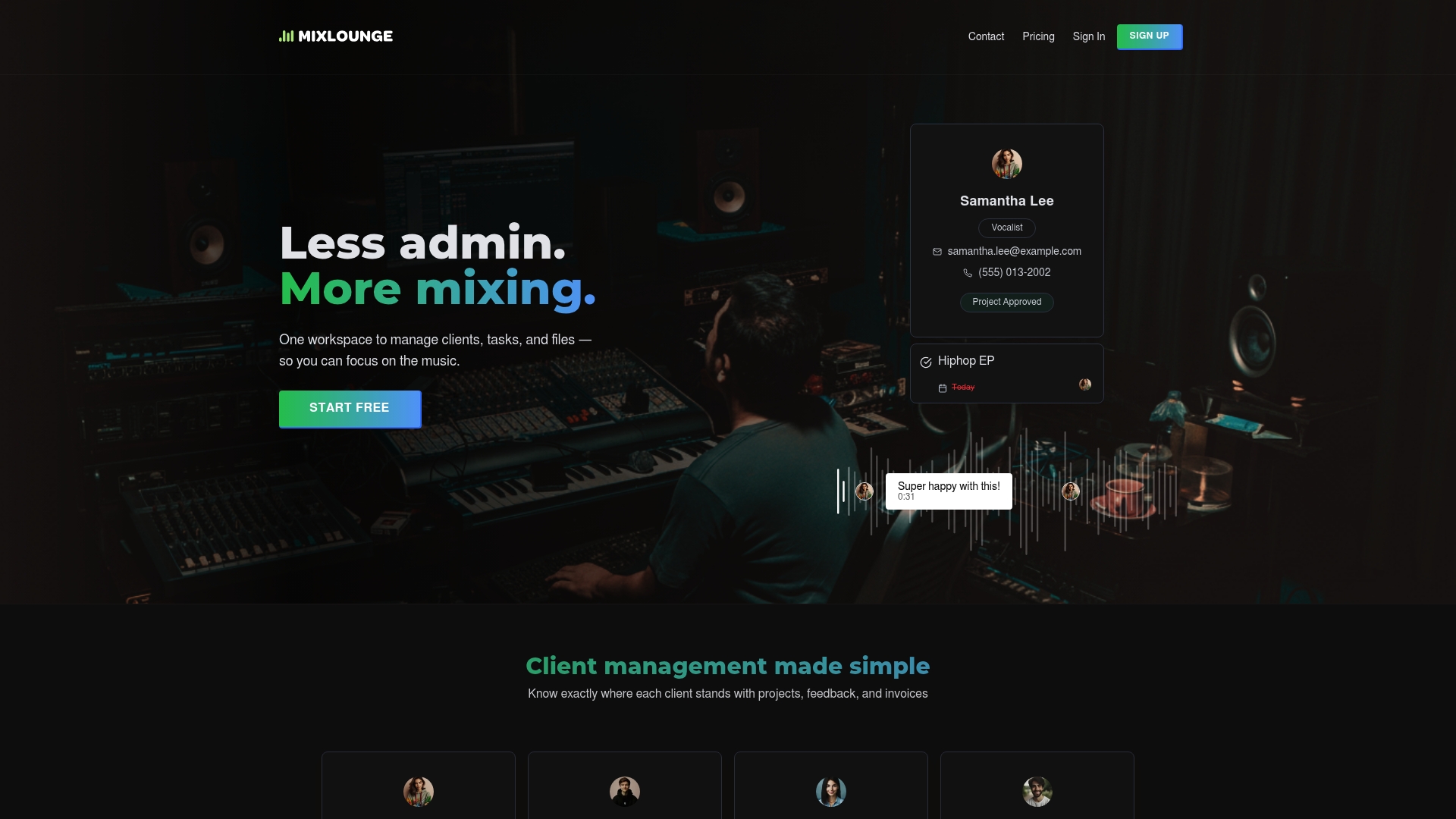
MixLounge packs client workflow, task tracking, and mix review into a single workspace designed for music professionals. Its biggest wins are timestamped feedback and secure mix sharing without forcing clients to sign up, which cuts email back-and-forth.
Core Features
MixLounge centralizes client management with status flags for feedback, approval, and invoices. You get task and deadline tracking, secure streaming with timestamped comments, and the option to gate downloads until payment clears in higher plans. Lossless audio support is included.
Pros
- All in one workspace: It replaces scattered emails and cloud links by keeping clients, tasks, and mixes in one place so you waste less time hunting files.
- Secure audio sharing and feedback: Timestamped comments let you zero in on problematic bars without ambiguous notes like “fix that part.”
- High quality streaming: Supporting lossless audio gives you confidence that clients hear mixes close to the studio reference.
- Flexible pricing tiers: A free tier lets you test core features and paid plans scale up to higher project loads and storage.
- Audio professional focus: The feature set reads like it was built with engineers and producers in mind, not generic project managers.
Cons
- Potential cost for higher tier plans if you manage many projects and clients and need more storage.
- Limited detail in the brief about integrations or deep customizations, which makes it hard to know how it fits existing toolchains.
- Reliance on internet access for streaming and project work means offline sessions and spotty connections will interrupt access.
Who It’s For
MixLounge fits freelance engineers, small studios, producers, and editors who juggle client revisions and want a tighter delivery process. If you send mixes with private links, invoice clients, and track approvals, this will feel like a relief. If you work totally offline, it will feel limiting.
Unique Value Proposition
MixLounge trades generic task lists for audio first features. The platform treats comments as time aligned notes and protects masters until payment clears with gated releases, which turns the platform into a client facing delivery tool and a simple revenue protection mechanism.
Real World Use Case
A small studio uses MixLounge to coordinate three engineers across vocal comping, editing, and final mix. Clients stream lossless previews, drop timestamped notes, and the studio closes invoices once the final master is released. No more chasing files in email.
Pricing
A free plan with limited features is available. The Solo plan is $19 per month for more projects, clients, and storage. The Studio plan is $39 per month for unlimited projects and clients.
Website: https://mixlounge.io
If you want a platform that also focuses on unlimited uploads, fine grained security, and lossless delivery for large catalogs, check out Audome for a complementary option that works well with professional audio workflows.
Silver Audio
At a Glance
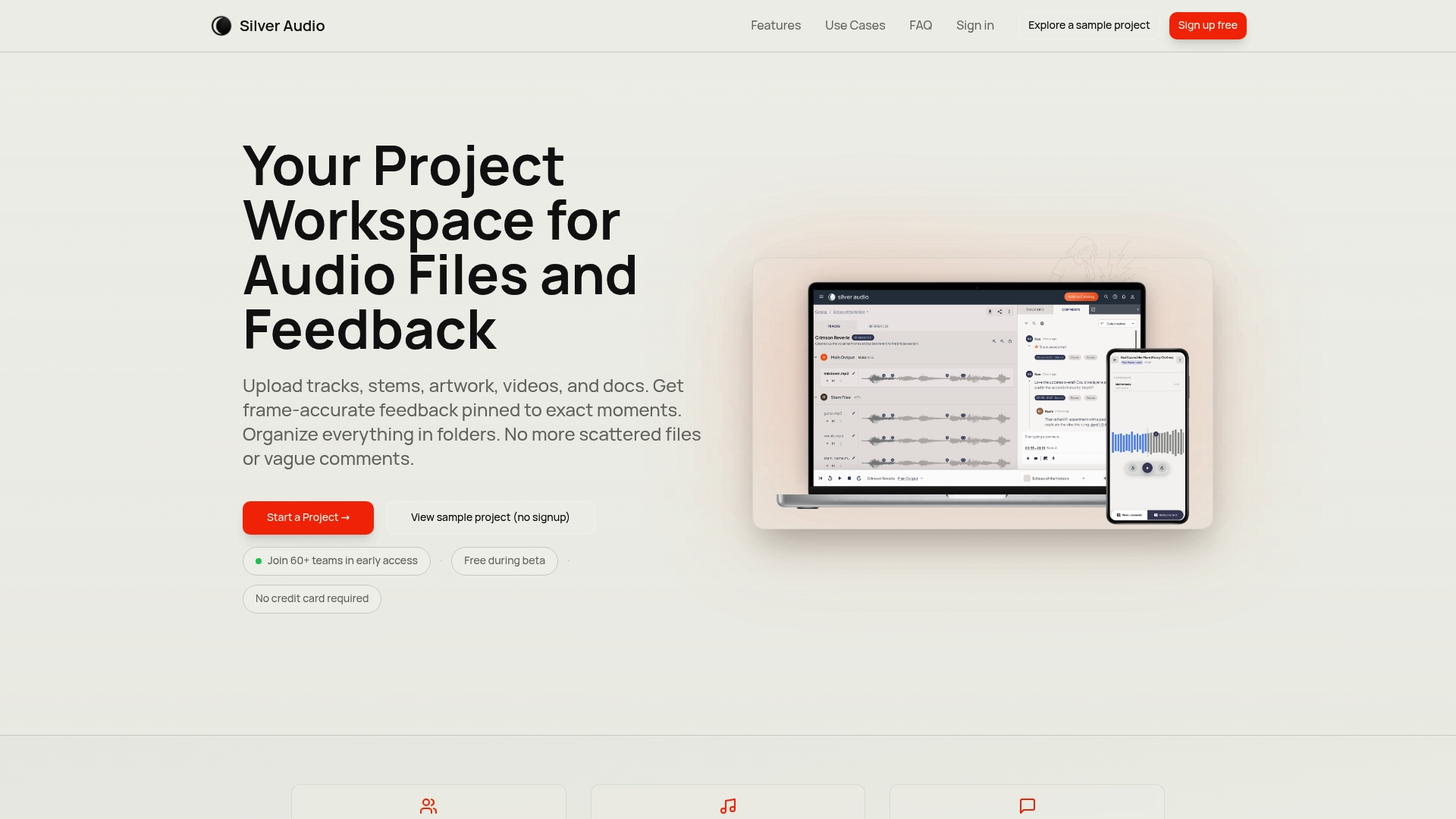
Silver Audio is a focused collaboration workspace built for audio projects that need precise feedback and tidy file organization. It shines when you need frame-accurate comments and a single place for stems, artwork, and notes, saving messy email chains.
Core Features
Silver Audio centralizes media and feedback so you can keep everything related to a session together. It supports multiple media types, offers version history with revision comparison, and delivers browser-based playback with timestamped notes for exact moments in a track.
- Upload audio, stems, artwork, videos, notes, and project files.
- Leave frame-accurate, timestamped feedback on any audio file.
- Compare revisions with organized version history.
- Share private links with unlimited collaborators and no seat fees.
- Open projects on mobile, tablet, or desktop via a web browser.
Pros
- Centralized workspace reduces scattered files and lost feedback so you spend more time mixing and less time hunting emails.
- Precise timestamped feedback removes ambiguity by pointing listeners to exact frames or beats when notes matter most.
- Unlimited collaborators lets you invite band members, clients, and labels without worrying about per-seat charges.
- Browser access on any device removes the friction of installs or client accounts and makes client review painless.
- Version control helps you compare revisions visually and audibly, which simplifies revision histories during mixing or mastering.
Cons
- Beta status limits features and stability because the platform may change and some expected tools might be missing for now.
- Browser only workflow requires an internet connection and a modern browser which can be inconvenient in low bandwidth situations.
- Learning curve for detailed feedback exists for users who have not used frame-accurate workflows before and they will need time to adapt.
Who It’s For
Silver Audio fits musicians, producers, mixing engineers, podcasters, and audio engineers who need a clean place for client notes and revisions. If you rely on timestamped feedback and want to replace long email threads, this will be useful from day one.
Unique Value Proposition
Silver Audio focuses on precise audio review and collaboration by combining frame-accurate comments, file versioning, and unlimited sharing in one browser accessible hub. It trims the friction from feedback loops and keeps high resolution audio intact during review.
Real World Use Case
A producer uploads a stereo mix and invites the band to review. Each member drops timestamped notes on sections that need level fixes or arrangement changes. The producer tracks revisions and exports the chosen version without juggling attachments or scattered notes.
Pricing
Silver Audio is free during beta and requires no credit card to start, which makes it easy to trial with real projects before committing to any paid plan.
Website: https://www.silveraudio.io
Mixvisor
At a Glance
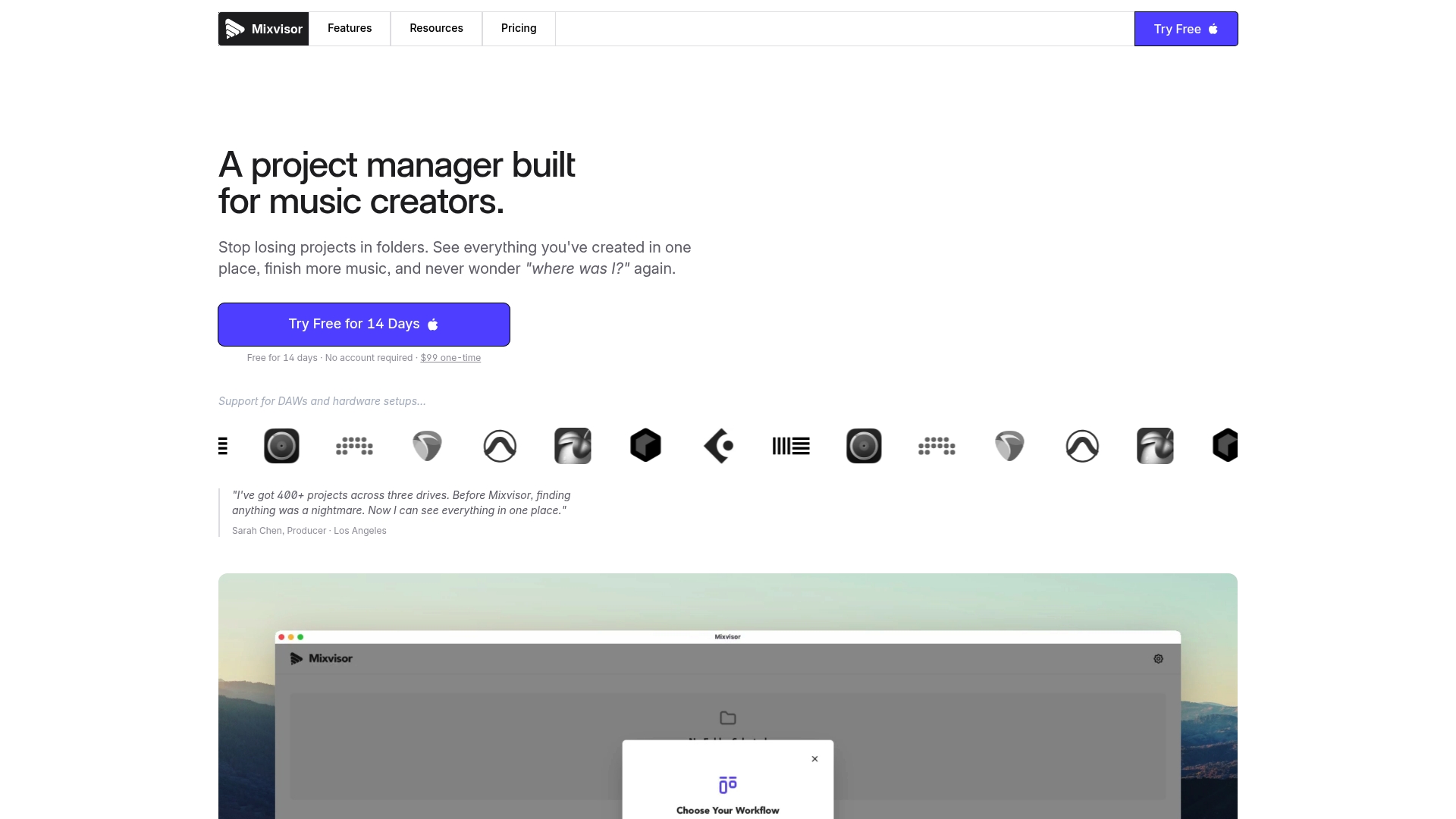
Mixvisor is a focused, local-first project manager built for music creators who juggle multiple DAWs and drives. It nails quick project discovery and audio preview without loading a DAW, making it a fast way to regain control of a messy hard drive.
Core Features
Mixvisor automatically detects projects across major DAWs with DAW Detection and lets you arrange work in list or kanban views that match how you actually finish mixes. The app includes audio preview so you can audition sessions without opening a DAW, and it supports custom statuses, labels, priorities, and due dates for clear project tracking.
Pros
-
Multi-DAW Support: Mixvisor handles projects from several DAWs so you see everything in one unified list and stop hunting through drives.
-
Automatic DAW Detection: The detection feature removes manual indexing and saves time when you add or move projects between drives.
-
Flexible Organization: List and kanban views with drag and drop match different workflows and make batch sorting or triage simple.
-
Audio Preview Without DAW: You can listen to stems or session previews quickly which speeds decisions and reduces wasted DAW launches.
-
Local-First Architecture: Data lives on your machine which offers privacy and keeps performance snappy even when offline.
Cons
-
No Cloud Sync Yet: There is no cloud sync or team collaboration features in the current release which limits remote handoffs and shared project access.
-
Desktop Focused: The app is primarily desktop only which means limited access from phones or tablets during quick checks on the road.
-
Upfront Cost: The one-time $99 license is higher upfront for some users compared to subscription alternatives and may feel steep if you want continuous updates.
Who It’s For
Mixvisor fits producers, mixing engineers, and solo artists who manage large libraries across different DAWs and drives and want a fast local hub to organize work. If you hate opening each DAW just to find a take this will save you real time.
Unique Value Proposition
Mixvisor is unique because it combines automatic DAW discovery with fast audio preview inside a local-first desktop app. That mix targets engineers who value privacy and speed over cloud features and who need a single place to triage hundreds of sessions.
Real World Use Case
Sarah Chen, a producer with 400 plus projects across three drives, uses Mixvisor to see every project, set statuses, and preview mixes without loading Pro Tools or Logic every time. She trims ten wasted DAW launches per week and clears backlog faster.
Pricing
Mixvisor is a one-time purchase of $99 which includes 12 months of updates. After the first year you can opt for continuous updates at $49 per year.
Website: https://mixvisor.com
For cloud collaboration, timestamped feedback, and lossless sharing when you need team sync try Audome at https://audome.com
Soundwhale
At a Glance
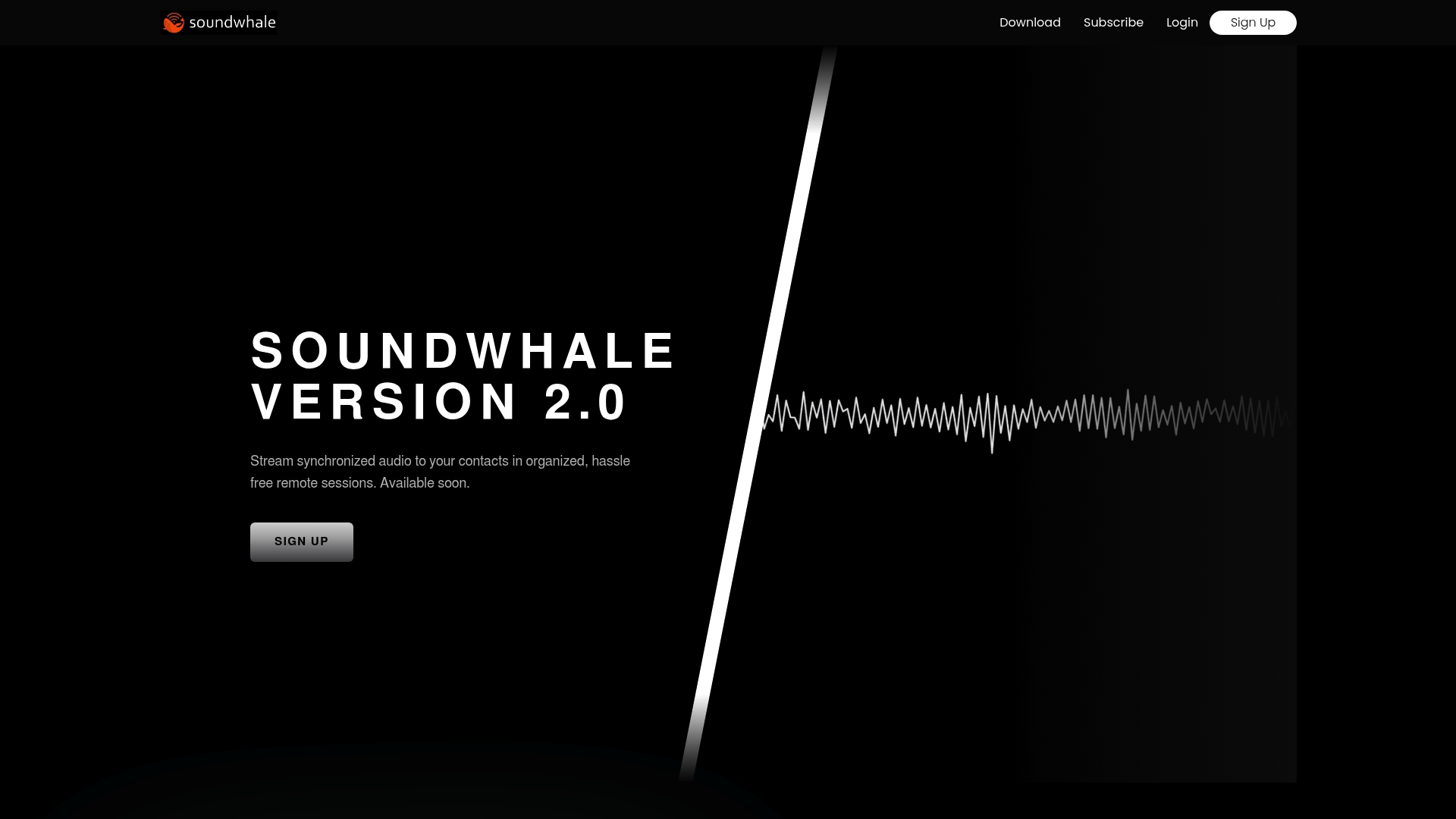
Soundwhale is collaboration software built for professional audio production that focuses on precise remote sessions and clear client review workflows. Its strength is accurate timing and browser access for clients, which reduces setup friction and keeps sessions tight.
Core Features
Soundwhale delivers sample-accurate sync via a proprietary engine, browser-based session entry so clients join without installs, and an integrated set of tools for recording, review, and approvals. The platform also includes time-stamped notes and live collaboration features like video chat and comments.
Pros
-
High precision synchronization makes multi-location playback align exactly, which preserves timing and phase relationships for professional mixes.
-
No-install client access lets talent and clients join via secure links in a browser, saving setup time and lost sessions.
-
All-in-one workflow combines remote recording, synchronized review, and approval tools so you do not bounce between separate apps.
-
Secure, encrypted sessions with role based permissions protect source files and control who hears what during reviews.
-
Studio grade support for complete production workflows means you can use it from initial takes through final delivery without losing context.
Cons
-
Requires a stable internet connection and compatible devices for optimal performance, which can limit use on unreliable networks.
-
As a specialized platform, it has a learning curve for new users who are used to generic conferencing tools and file sharing.
-
The feature set targets professional audio production and will feel excessive for consumer or casual use.
Who It’s For
Soundwhale fits professional audio production teams, post production houses, voice talent, and studios that need strict timing and controlled review sessions. If you run sessions with remote musicians, producers, or clients and need sample level alignment, this is designed for you.
Unique Value Proposition
Soundwhale’s advantage is precise synchronization combined with browser access and production grade security. That mix keeps sessions accurate, keeps clients out of technical weeds, and keeps your session files under tight access control.
Real World Use Case
An audio post production team runs live synchronized review sessions with clients and talent in different cities. Everyone hears the same playback position, drops time stamped feedback, and approves final takes without exchanging messy MP3s.
Pricing
A Basic plan is free with limited tools. The Pro plan costs $60 per month or $600 per year. Add ons are available at $15 per month for each additional participant to expand session capacity.
Website: https://www.soundwhale.com
Want a different approach to audio project management and lossless file sharing? Try Audome as an alternative.
Audio Collaboration Tools Comparison
Compare the following audio collaboration and project management tools, designed for professionals who seek efficient file sharing, high-fidelity audio feedback, and streamlined workflows.
| Product | Highlight Features | Advantages | Pricing Options | Ideal Users |
|---|---|---|---|---|
| Audome | Lossless audio sharing, timestamped comments | Unlimited storage, audio fidelity, secure sharing | $12.50/month (Studio plan), $48/month (Pro plan) | Engineers and producers needing high-fidelity reviews |
| MixLounge | Client task tracking, gated downloads | Integrated workflow, lossless audio, scalable pricing | Free plan, $19/month (Solo plan), $39/month (Studio plan) | Freelancers managing multiple clients |
| Silver Audio | Frame-accurate comments, unlimited collaborators | Web-based, version control, multi-media support | Free during beta | Collaborative audio teams |
| Mixvisor | Multi-DAW project detection, audio preview | Local-first architecture, supports multiple DAWs | $99 one-time charge, $49/year for updates | Solo artists managing project libraries |
| Soundwhale | Sample-accurate sync, browser-based session access | Secure sessions, integrated review tools, high precision | Free basic plan, $60/month (Pro plan), $600/year (Pro plan) | Remote collaboration for professional production teams |
Streamline Your Audio Projects with a Platform Built for Professionals
Managing complex mixing projects demands more than just basic tools. Many engineers face challenges like fragmented file sharing, unclear client feedback, and degraded audio quality during revisions. The need for lossless audio support, timestamped comments, and secure collaboration are common goals to ensure smooth, high-fidelity workflows.
Audome addresses these exact pain points by combining project management and high-quality audio sharing into one intuitive hub. With unlimited file uploads, precise feedback tied to exact moments in the track, and granular security controls, it replaces multiple disjointed applications and eliminates confusion.
Discover how you can take control of your mixing projects today by visiting Audome.
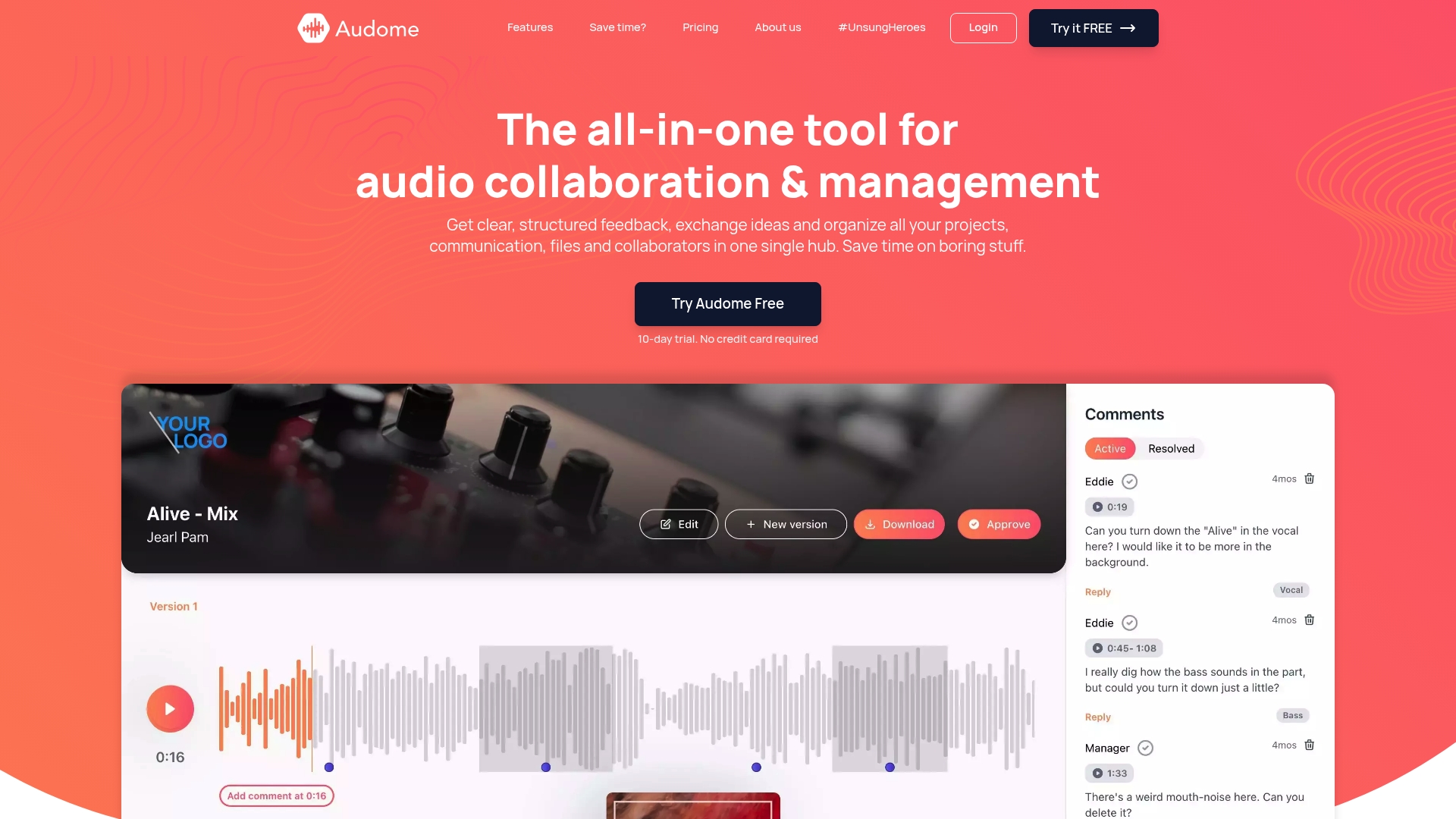
Experience effortless collaboration while preserving audio integrity. Visit Audome now to start your free trial and see why audio professionals choose a platform designed specifically for their needs.
Frequently Asked Questions
What should I look for in a project management platform for mixing engineers?
A good project management platform for mixing engineers should prioritize lossless audio sharing, time-stamped feedback, and project organization features. Look for tools that centralize all your files and allow efficient communication with clients.
How can timestamped feedback improve my mixing workflow?
Timestamped feedback allows you to receive precise comments linked to specific moments in your audio project. This clarity helps you address client concerns more efficiently, reducing revision cycles by approximately 30%.
What are the benefits of using a single platform instead of multiple tools?
Using a single platform eliminates the confusion and overhead of managing multiple tools, which means you can save time and improve collaboration. Consolidating your workflow can reduce administrative tasks by up to 25%.
Can I securely share audio files with clients using these platforms?
Yes, most project management platforms designed for mixing engineers offer security features such as password protection and controlled file access. Always check for security settings to ensure your audio files are protected during client reviews.
How do I evaluate which project management platform fits my needs?
Start by identifying your key requirements, such as the number of collaborators, file storage needs, and whether you need features like version control. Create a checklist of essential functionalities and compare platforms based on how they meet these needs.
Is there a trial period for any of these project management platforms?
Many project management platforms offer a free trial period that allows you to explore their features before committing. Take advantage of these trials to assess how well they align with your mixing workflow.