
Miscommunication and royalty disputes kill more promising collaborations than creative differences ever will. You spend weeks building something real with another producer or songwriter, only to watch it unravel over a missing signature or a vague verbal agreement about who owns what. The good news is that most of these failures are completely preventable. A structured music collaboration process gives your team creative freedom while locking in the business clarity that protects everyone’s work, time, and income from the very first session.
Table of Contents
- Preparing for successful music collaboration
- Step-by-step: The music collaboration workflow
- Ownership, split sheets, and avoiding disputes
- Tools and platforms for professional music collaboration
- Our perspective: Why process beats platform for enduring collaborations
- Upgrade your music collaboration process with Audome
- Frequently asked questions
Key Takeaways
| Point | Details |
|---|---|
| Define roles early | Clarifying creative and technical responsibilities ensures smoother music collaboration. |
| Prioritize split sheets | Document ownership percentages before or after sessions to prevent royalty disputes. |
| Hybrid workflow wins | In-person starts paired with remote revisions maximize creative energy and efficiency. |
| Choose the right tools | Select audio-specific platforms for superior quality and workflow tracking. |
| Process over platform | Strong agreements and well-structured workflow matter most for lasting collaborative success. |
Preparing for successful music collaboration
Strong collaborations don’t happen by accident. They start with intentional planning before anyone touches a keyboard or opens a DAW. The preparation phase is where you set the conditions for both creative flow and professional accountability.
The first thing your team needs is a shared creative vision. That means agreeing on genre, mood, reference tracks, and the overall direction of the project before the session begins. This isn’t about limiting creativity. It’s about giving everyone a common language so that feedback is productive instead of confusing. When a beatmaker and a vocalist walk into a session with completely different expectations about the sound, the result is wasted hours and bruised egos.
Role definition is equally important. Every collaboration should have clearly assigned responsibilities: who is producing, who is writing lyrics, who is performing, and who is engineering. Overlapping roles are fine as long as they’re acknowledged upfront. Ambiguity about who made what decision leads to disputes later, especially when it comes to crediting contributions on a split sheet.
Music collaboration processes typically begin with defining creative direction, roles, timeline, and signing a split sheet before or immediately after the session to document ownership percentages for songwriting (lyrics, melody, composition) and masters separately. This is the standard because it works. The moment you skip this step, you introduce risk.
Timelines and communication methods also need to be agreed on early. How often will the team check in? What platform will you use for feedback? What’s the deadline for the final mix? These aren’t bureaucratic details. They’re the scaffolding that keeps a project moving when creative energy dips.
Here’s a quick overview of what to lock in before your first session:
- Creative direction: Genre, mood, tempo range, reference tracks
- Roles: Producer, songwriter, performer, mixing engineer, mastering engineer
- Ownership split: Songwriting shares (lyrics, melody, composition) and master recording shares
- Timeline: Session dates, revision windows, delivery deadline
- Communication method: Email, Slack, or a dedicated audio collaboration tools platform
- Split sheet: Signed before or immediately after the first session
Pro Tip: Keep a project brief document that all collaborators sign off on before the first session. It doesn’t need to be a legal contract. It just needs to confirm that everyone is on the same page about direction, roles, and ownership structure.
| Preparation element | Why it matters | When to complete it |
|---|---|---|
| Creative brief | Aligns vision and reduces friction | Before session 1 |
| Role assignment | Clarifies decision-making authority | Before session 1 |
| Split sheet | Protects ownership and royalty rights | Before or after session 1 |
| Timeline agreement | Keeps the project on track | Before session 1 |
| Tool selection | Ensures smooth file sharing and feedback | Before session 1 |
Step-by-step: The music collaboration workflow
With all prerequisites ready, it’s time to put your plan into action using a tested workflow. The stages below apply whether you’re working in-person, remotely, or in a hybrid setup.
Step 1: Open every session with a brief and a signature. Before any music is made, revisit the creative brief and confirm that the split sheet is signed. If new contributors join mid-project, add them to the documentation immediately. This habit takes five minutes and prevents months of legal headaches.
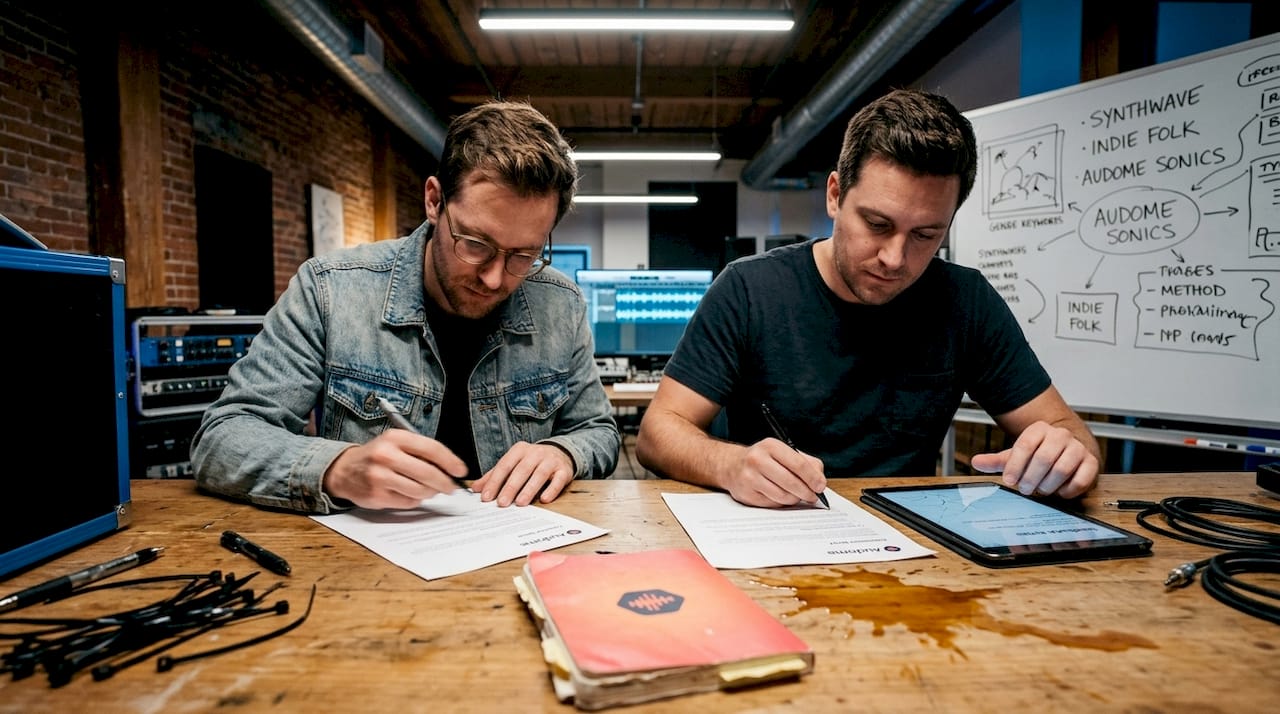
Step 2: Choose your collaboration format. In-person sessions generate the best creative energy, but they’re not always practical. Remote sessions offer flexibility but introduce latency and communication delays. The hybrid model is increasingly the preferred approach among working professionals: start in-person to establish the creative foundation, then handle revisions and overdubs remotely. This combines the energy of live collaboration with the efficiency of async work.
Step 3: Use purpose-built tools for audio-specific needs. Generic cloud storage handles basic file transfers, but it doesn’t support the workflow that professional audio teams actually need. You need version control, timestamped feedback, and lossless file support. These features aren’t luxuries. They’re the difference between a clean revision process and a chaotic email thread full of “which version is this?”
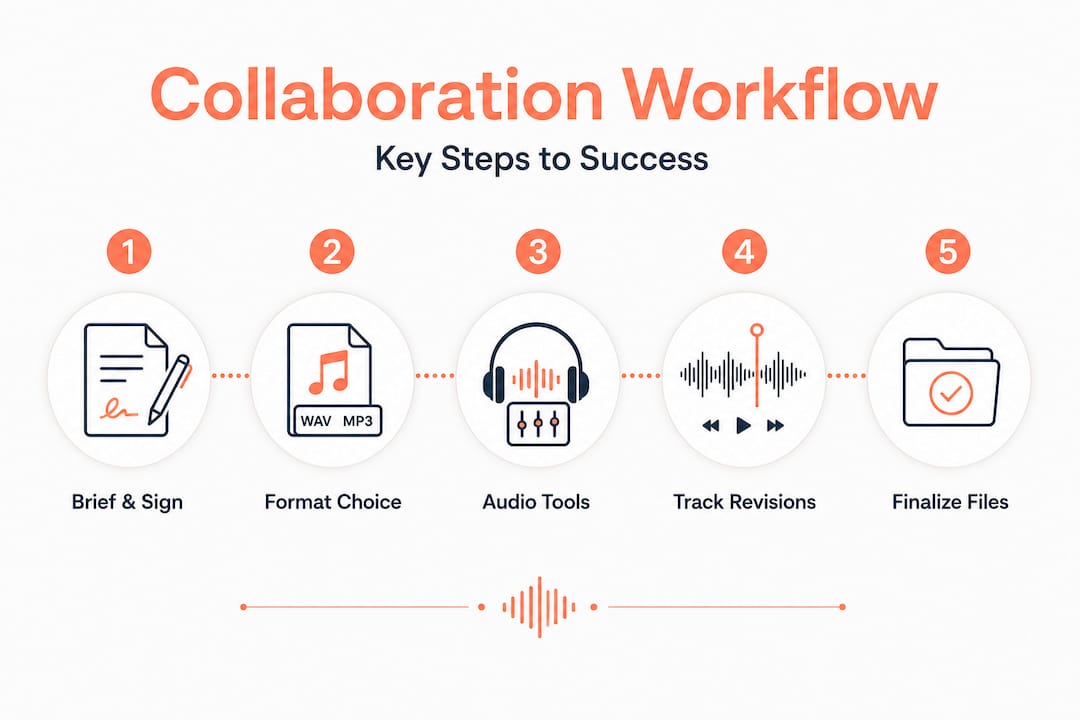
Step 4: Track every revision systematically. Every time a mix is updated, the new version should be labeled clearly and the previous version should be archived, not deleted. Revision tracking protects you if a collaborator disputes a creative decision or if a client requests a specific earlier version. It also keeps everyone working from the same file, which is a surprisingly common source of confusion in remote teams.
Step 5: Finalize files and confirm deliverables. Before closing out a project, confirm that all parties have received the agreed deliverables in the agreed formats. This includes stems, masters, and any session files that were promised. Document the final delivery in writing so there’s no ambiguity about what was handed over and when.
| Collaboration format | Best for | Key limitation |
|---|---|---|
| In-person | Creative ideation, initial tracking | Scheduling constraints, cost |
| Remote | Revisions, overdubs, mixing feedback | Latency, communication delays |
| Hybrid | Full professional projects | Requires strong tool infrastructure |
| Generic cloud (Dropbox) | Casual file transfers | No audio-specific workflow features |
| Purpose-built audio platform | Professional multi-stakeholder projects | Learning curve for new users |
Pro Tip: Use advanced music workflows that support timestamped comments so that feedback is tied directly to a specific moment in the audio. “The snare at 1:32 needs more attack” is infinitely more useful than “the drums feel off.”
Ownership, split sheets, and avoiding disputes
After you’ve run your collaborative session, protecting everyone’s share is your next top priority. Split sheets are the most important document in any music collaboration, and they’re also the most frequently skipped. That’s a costly mistake.
A split sheet must include the song title, creation date, full names of all contributors, PRO (Performing Rights Organization) and IPI (Interested Party Information) numbers, each person’s role, exact ownership percentages that sum to 100% for writer and publisher shares separately, and signatures from all parties. Missing any of these fields can freeze your PRO royalties, meaning you won’t get paid even when your music is being used commercially.
The debate between equal splits and contribution-based splits comes up in almost every collaboration. Here’s the practical breakdown:
- Equal splits work well when the session is fluid and contributions are hard to measure. If four producers are building a track together in real time, equal splits reduce friction and keep the creative energy high.
- Contribution-based splits are better when roles are clearly defined and effort is measurable. If one person wrote the entire melody and another only contributed a drum loop, a 50/50 split may feel unfair and create resentment later.
Neither approach is universally correct. The key is that all parties agree before the session ends, not after.
“Sign your split sheet immediately after the session. Waiting even a few days introduces the risk that someone’s memory of their contribution shifts, or that a collaborator becomes unreachable. Once a dispute freezes your PRO registration, recovering those royalties can take months.”
Common disputes in music collaboration include disagreements over who wrote the hook, whether a sample or loop counts as a composition contribution, and whether a session musician qualifies as a co-writer. You can prevent all of these by documenting contributions in real time, even informally, and then formalizing them on the split sheet before anyone leaves the session.
Store your signed split sheets in a secure, organized location. Physical copies are fine, but digital copies stored in a project management system or split sheet templates platform are easier to retrieve when you need them for a PRO claim years later.
Tools and platforms for professional music collaboration
Choosing the right digital tools can make or break your collaboration process. The market offers everything from free cloud storage to specialized audio platforms, and the difference in professional outcomes is significant.
Generic cloud storage like Dropbox is sufficient for casual file sharing, but it fails professional teams because it lacks audio-specific features. There’s no version control tied to audio playback, no timestamped commenting, no lossless file integrity checks, and no way to manage access permissions at the project level. For a two-person casual collaboration, that might be acceptable. For a multi-stakeholder production involving a producer, mixing engineer, vocalist, and label A&R, it creates chaos.
Here’s what to look for when evaluating audio management tools for your workflow:
- Lossless audio support: The platform should handle files up to 96kHz/24-bit without compression or quality loss
- Version control: Every revision should be stored and labeled, with easy access to previous versions
- Timestamped comments: Feedback should be tied to specific moments in the audio, not left as general notes
- Private collaborator spaces: Projects should be compartmentalized so that only relevant team members see relevant files
- Security controls: Password protection and download toggling protect your unreleased work
- No login required for collaborators: Streamlines communication with clients and external contributors who don’t use the platform regularly
Pro Tip: Before committing to any platform, test it with a real project file. Upload a 96kHz/24-bit WAV, leave a timestamped comment, and check whether the playback quality is preserved. If the platform compresses your audio or strips metadata, it’s not built for professional use.
| Feature | Generic cloud storage | Purpose-built audio platform |
|---|---|---|
| Lossless audio support | No | Yes |
| Timestamped comments | No | Yes |
| Version control | Basic | Full revision history |
| Access permissions | Folder level | Project and file level |
| Collaborator login required | Yes | No |
| Audio-specific workflow | No | Yes |
Our perspective: Why process beats platform for enduring collaborations
Here’s the uncomfortable truth that most tool vendors won’t tell you: the platform you use matters far less than the process you follow. We’ve seen teams with premium software subscriptions produce chaotic, disputed projects, and we’ve seen teams using basic tools deliver clean, professional results because they had clear agreements and consistent habits.
The producers and engineers who build lasting collaborative relationships share one trait: they treat the business side of music with the same discipline they bring to the creative side. They sign split sheets without being asked. They document revisions without being reminded. They communicate expectations before sessions, not after conflicts.
The hybrid session model is the clearest example of process outperforming preference. Many producers instinctively prefer either full in-person or full remote work. But the data from working professionals consistently shows that starting in-person and transitioning to remote for revisions produces better outcomes. The in-person start builds trust and creative alignment. The remote revision phase allows for focused, async work without the pressure of a live session environment.
Technology is a multiplier, not a foundation. If your process is broken, a better platform will just make your broken process faster. But if your process is solid, the right tools amplify everything: faster feedback cycles, cleaner version histories, fewer disputes, and more time spent actually making music.
The teams that sustain long-term collaborative success are the ones who invest in both. They build clear, repeatable processes for every phase of a project, and then they select tools that support those processes without adding friction. That combination is what separates a one-hit collaboration from a lasting professional partnership.
Upgrade your music collaboration process with Audome
If the steps in this guide resonate with how you want to work, you need a platform that was built with exactly these workflows in mind.
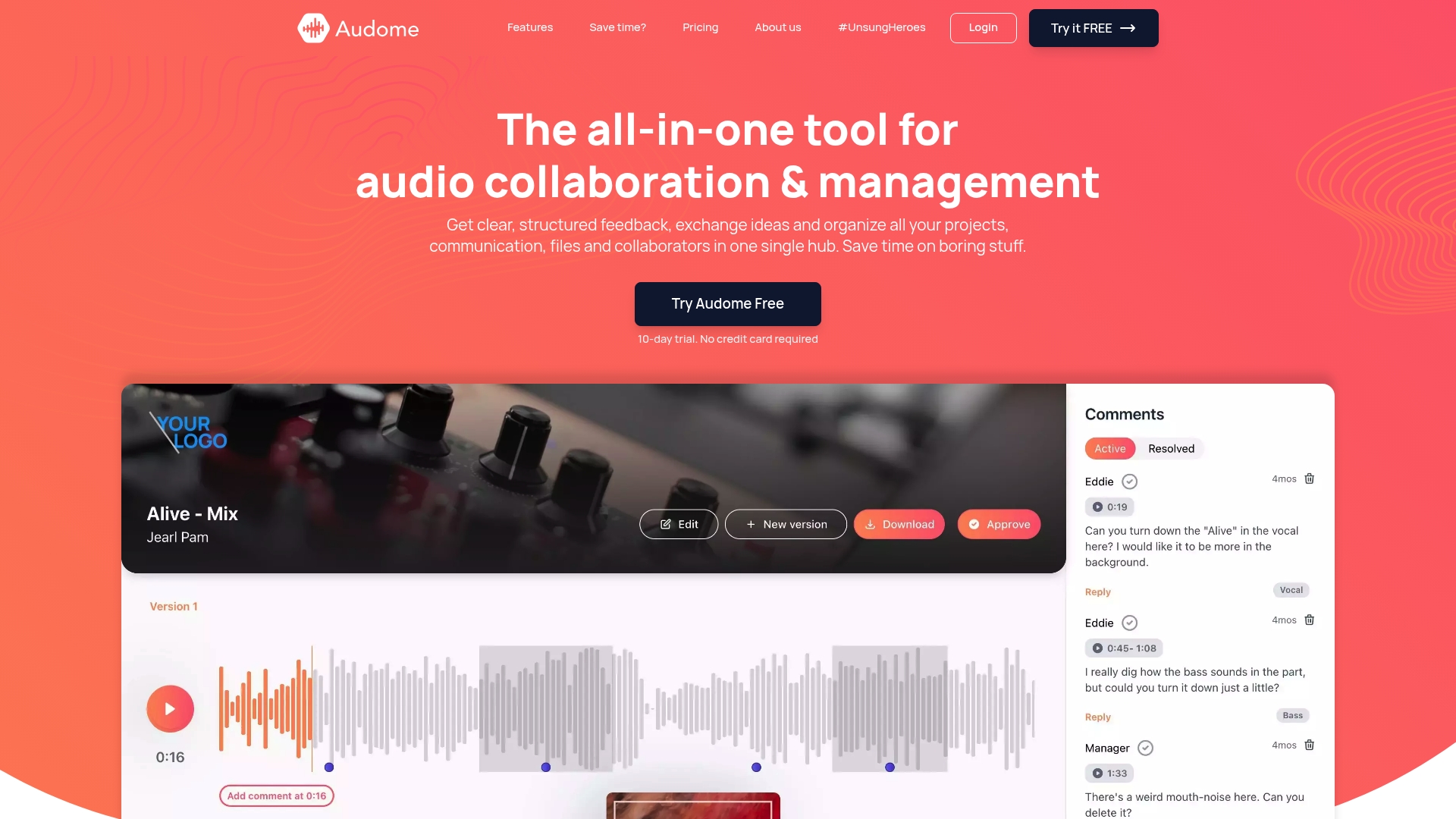
Audome is an all-in-one collaboration solution designed specifically for audio professionals. It supports lossless audio up to 96kHz/24-bit, unlimited file uploads, timestamped comments, full version control, and private collaborator spaces, all without requiring your clients or collaborators to create an account. Security controls like password protection and download toggling keep your unreleased work protected at every stage. Whether you’re managing a two-person remote session or a multi-stakeholder post-production project, Audome gives you the infrastructure to collaborate professionally without juggling multiple fragmented services.
Frequently asked questions
What is a split sheet, and when should it be signed?
A split sheet records ownership percentages for songwriting and masters and should be signed before or immediately after the session to avoid disputes and protect PRO royalty claims.
What must be included on a split sheet for music collaboration?
A split sheet should have the song title, creation date, all parties’ full names, PRO/IPI details, roles, and exact percentage splits with signatures, ensuring writer and publisher shares each sum to 100%.
What are the pros and cons of equal versus contribution-based splits?
Equal splits work well for fluid, real-time sessions, while contribution-based splits are more appropriate when each collaborator’s role and effort are clearly defined and measurable.
Why do professional audio teams need purpose-built collaboration platforms?
Generic cloud storage lacks audio-specific features like lossless file support, timestamped feedback, and revision tracking, all of which are essential for professional multi-stakeholder production workflows.
How can I avoid disputes over royalties in music collaboration?
Signing a detailed split sheet immediately after every session protects each contributor’s claim and prevents frozen PRO royalties that can delay payment for months or even years.
Recommended