
TL;DR:
- No-login collaboration enables real-time, peer-to-peer audio reviews without creating accounts, reducing friction and speeding feedback. However, it presents security and management challenges, such as unmanaged guest sessions and limited audit trails. Implementing passwordless verification and distinct internal/external workflows balances convenience with security needs.
You’re mid-session. The mix sounds incredible. You send a link to your client for feedback and… they can’t figure out how to create an account. Five minutes go by. Ten. The vibe is dead. That’s why no login collaboration matters so much to audio professionals. Forced logins kill momentum, frustrate clients, and add zero creative value to the work. If you’ve been burned by this before, this guide breaks down exactly how collaboration without login works, where it wins, where it falls short, and how to use it without shooting yourself in the foot.
Table of Contents
- Key takeaways
- Why no login collaboration changes the game
- The real benefits of no-login access for audio pros
- The tradeoffs you need to know
- Comparing no-login methods for audio workflows
- How to actually implement no-login collaboration in your workflow
- My take: the audio industry needs to ditch login walls
- How Audome handles no-login collaboration
- FAQ
Key takeaways
| Point | Details |
|---|---|
| Login walls kill momentum | Clients and collaborators hitting signup screens lose focus fast, slowing down approvals and feedback cycles. |
| No-login tools use browser tech | WebRTC and WebAssembly let tools run real-time collaboration without servers or user accounts. |
| Guest access cuts costs | External collaborators can join without paid seats, lowering overhead while keeping projects moving. |
| Zombie accounts are a real risk | Unmanaged guest sessions left open create security and compliance problems that sneak up on you. |
| Passwordless is the sweet spot | Magic links and OTPs give you identity verification without forcing full account creation. |
Why no login collaboration changes the game
Let’s be clear about what “no login collaboration” actually means. It’s not a bug or a shortcut. It’s a design decision. The tool lets someone access, review, comment on, or even co-edit a file without creating an account or entering a password. No signup form. No email verification loop. Just a link and a working session.
Under the hood, this works because of two browser technologies that most audio pros never think about: WebRTC and WebAssembly. WebRTC and WebAssembly allow browser-based tools to process data locally and connect peer-to-peer without routing everything through a central server. That’s huge. No server involvement means no need to store your identity, no account to create, and no data sitting on someone else’s machine.
Peer-to-peer tools like Wolf Collaborative take this literally. Browser-to-browser sync allows real-time editing without any account whatsoever. Data stays encrypted between the two browsers. It’s fast, it’s clean, and it doesn’t leave a trail of credentials behind.
The contrast with traditional collaboration tools is stark. Old-school platforms assume every person who touches a file needs a registered account with a verified email and a password policy to match. That made sense in 2004. In 2026, with clients reviewing stems on their phones between meetings, it’s just friction.
Pro Tip: Before you pick any collaboration tool for client-facing work, test the experience as if you’re the client. Open an incognito window and try to access a shared file from scratch. If it takes more than 30 seconds to get to the content, you’ve already lost some of your clients.
The real benefits of no-login access for audio pros
Speed is the obvious one, but it goes deeper than “it’s faster.” When you remove the account creation step, you’re removing signup friction that kills engagement before anyone even hears your work. Tools that deliver value within 60 seconds see significantly higher activation rates versus those requiring immediate account creation. For an audio pro, that “aha” moment is when the client hears the mix. Everything before that is overhead.
Here’s what drops when you remove the login wall:
- Feedback turnaround time. Clients open the link, hear the file, drop a timestamped comment. Done in two minutes instead of twenty.
- Data exposure. No account means no email address stored, no password hashed on a server, no privacy policy your client has to squint at.
- Licensing costs. Guest access allows external collaborators to participate without paid seats, which keeps your overhead low when you’re bringing in a vocalist for one session or a sound supervisor for a single pass.
- Admin overhead. Fewer accounts means fewer people you need to onboard, manage permissions for, and remove when the project wraps.
The privacy angle is underrated. When you’re working on unreleased music or confidential post-production audio, the less data you’re generating about who accessed what, the better. Benefits of no login access extend into legal territory for some professionals working under NDA. Less data stored means less data that can be leaked, subpoenaed, or breached.
There’s also the zombie account problem, which we’ll dig into in a minute. But on the flip side, no-login sessions don’t create accounts in the first place, so there’s nothing to become a zombie. Every session is clean.
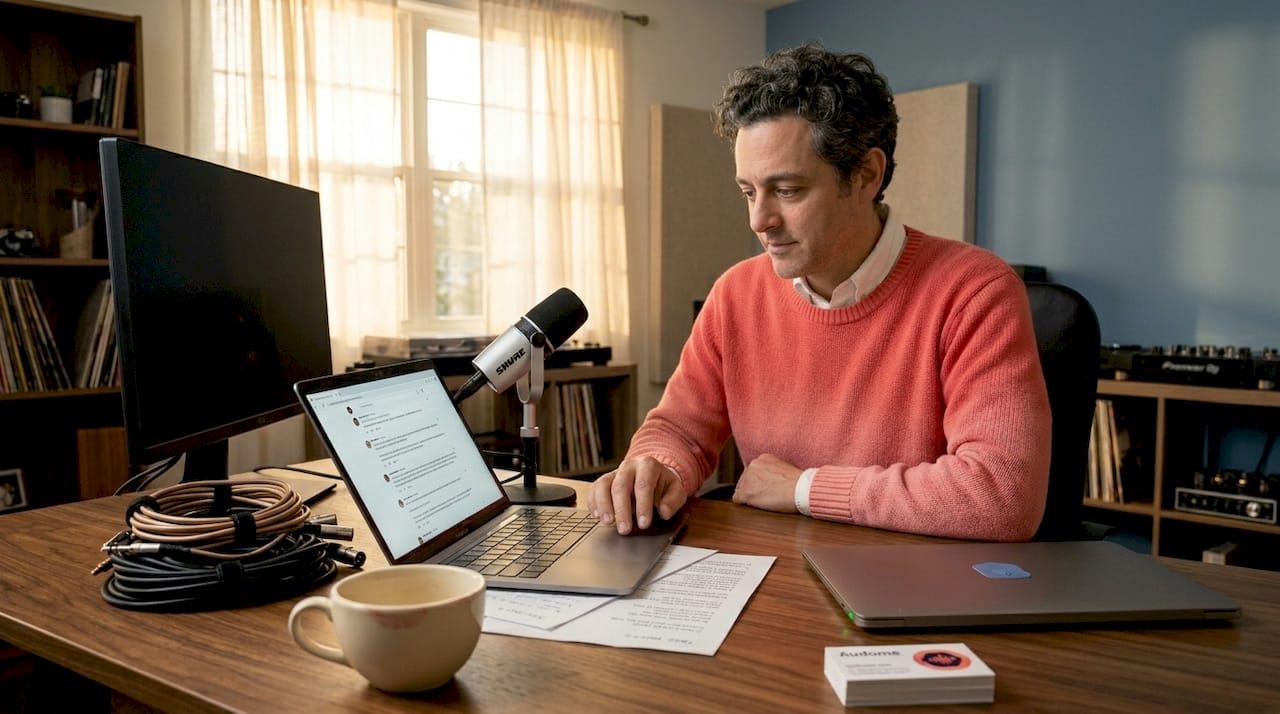
Pro Tip: Use no-login sessions for client review rounds, not for core team collaboration. Your engineers and producers should have accounts with version history and permissions. Your clients just need to hear the mix and leave a note.
The tradeoffs you need to know
No-login collaboration isn’t all clean sessions and zero friction. There are real problems, and pretending otherwise would be doing you a disservice.
The biggest one is the zombie account problem, but it actually manifests differently depending on whether you’re using true no-login or guest access. With guest access specifically, expired guest accounts can remain active indefinitely without an offboarding process. A vocalist you brought in six months ago might still technically have access to your project folder. That’s not a hypothetical. It happens constantly.
Here’s what the security challenges actually look like in practice:
- No persistent identity means you can’t always track who left a comment or accessed a file. That gets complicated fast if there’s a dispute.
- Audit trail gaps become a real problem under compliance frameworks. Zombie accounts and unmanaged guest access add complexity to audits under ISO 27001 and SOC 2.
- Permission management without identity is basically impossible. You can’t revoke access from someone who never had an account.
- Persistent saves don’t happen in purely P2P no-login tools. If the session ends, the work can be gone. That is a hard limit for anything beyond quick reviews.
The middle ground that actually works in most situations is passwordless authentication. Magic links and OTPs verify identity without forcing someone to create a full account and remember a password. You get the security of knowing who accessed the file, without the friction of a signup form. And the numbers back it up: switching to magic links improves registration completion from the 40 to 55% range all the way up to 65 to 80%.
Traditional logins are still necessary when you need version control tied to specific users, when you’re working inside a complex multi-role project structure, or when your clients are sophisticated enough that they actually want an account. Don’t rip out the login system entirely. Just stop making it mandatory for every single interaction.
Comparing no-login methods for audio workflows
Not all collaboration without login is the same. Here’s how the main approaches stack up for audio-specific use cases.
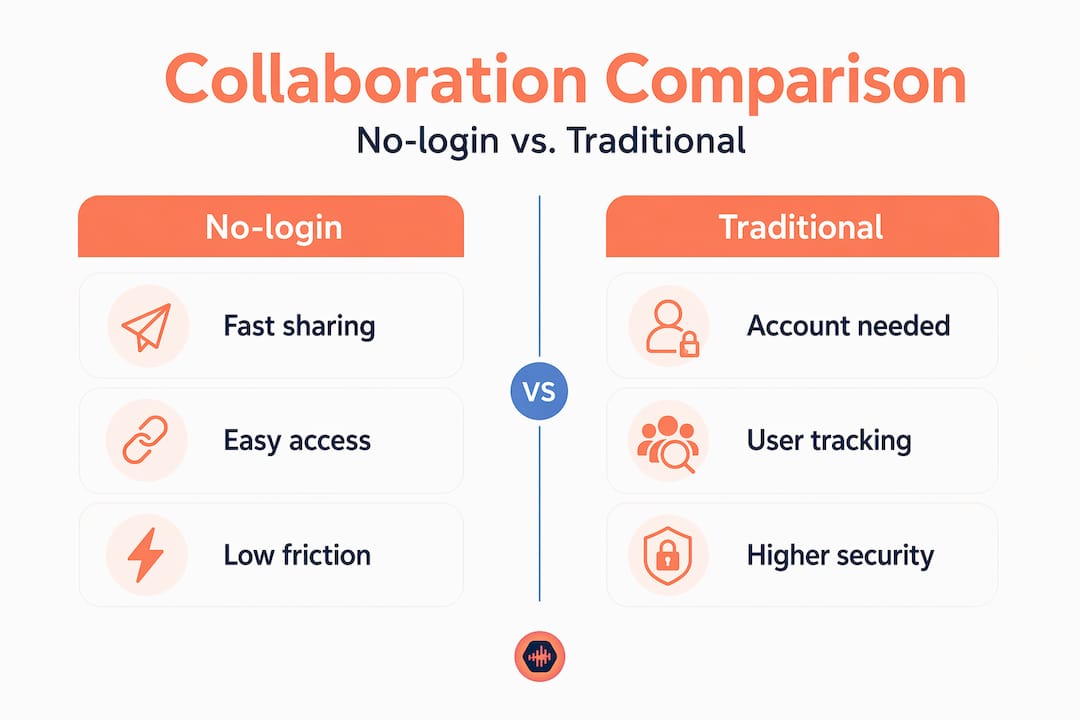
| Method | How it works | Best for | Security level | Cost impact |
|---|---|---|---|---|
| Pure no-login (P2P) | Browser to browser via WebRTC, no server | Quick live sessions, real-time co-editing | Low (no identity) | Free or minimal |
| Shareable link access | Unique URL grants time-limited or open access | Client reviews, mix approvals | Medium (link can be shared) | Usually free tier |
| Guest access (seat-based) | External user gets limited account tied to a project | Ongoing external contributors | Medium-high | Often restricted per paid seat |
| Passwordless (magic link or OTP) | One-time link or code verifies identity without a password | Clients needing some identity verification | High | Minimal overhead |
| Traditional login | Full account with credentials | Core team, admin-level collaborators | Highest | Full licensing cost |
For most audio pros doing client-facing feedback work, the shareable link or passwordless option covers 90% of the cases. Pure P2P works great for one-off sessions with technical collaborators but falls apart if you need to save anything. Guest access has real value for ongoing contributors, but only if you have strict offboarding protocols to clean up after each project.
The types of audio collaboration tools available in 2026 span all of these approaches, and the best platforms let you choose which method fits which workflow rather than locking you into one model.
How to actually implement no-login collaboration in your workflow
Knowing the theory is fine. Here’s how to actually make this work without creating a security mess or confusing your clients.
-
Separate your internal and external collaboration layers. Your core team gets accounts with full history and permissions. Clients and one-off contributors get shareable links or guest access with defined expiration.
-
Set expiration on every guest link. Whether it’s 48 hours for a mix review or two weeks for a project run, every no-login or guest access session should have a hard end date. No exceptions.
-
Use timestamped feedback tools for client sessions. The whole point of sending a mix link to a client is getting precise, usable notes back. If the tool doesn’t support timestamped comments, you’re going to get emails that say “around the two-minute mark it feels a bit heavy.” Not helpful.
-
Do a project-end cleanup pass. When a project wraps, revoke all guest access and close all open share links. Build this into your project close-out checklist, not as an afterthought.
-
Communicate the process to clients upfront. Tell them they’ll get a link, they don’t need an account, and here’s exactly how to leave feedback. Clients who know what to expect don’t panic at the interface.
Understanding what a collaborator space actually does for your workflow helps a lot here. The goal is giving external contributors just enough access to do their job, nothing more.
My take: the audio industry needs to ditch login walls
I’ve been in rooms where the mix session stalls because a client can’t log in. I’ve watched a director pull out their phone, try three passwords, give up, and just call the engineer on speakerphone to give feedback verbally. That feedback never made it into a DAW note. It just… evaporated. The work suffered for it.
The argument I hear from some engineers is that logins create accountability. And sure, if you’re doing something that genuinely requires identity tracking, that’s true. But for most of what audio pros do day to day, the person leaving feedback on a mix doesn’t need to be registered in a database. They need to hear the file and tell you what they think.
What I’ve seen in practice is that the tools that remove login requirements for clients convert feedback faster, close projects cleaner, and make the whole experience feel more professional. Not less. Clients don’t walk away thinking “that was insecure.” They walk away thinking “that was easy.” And easy is what gets you rehired.
Speed is not always the enemy of security. Security theater is the enemy of good work.
— Kreg
How Audome handles no-login collaboration
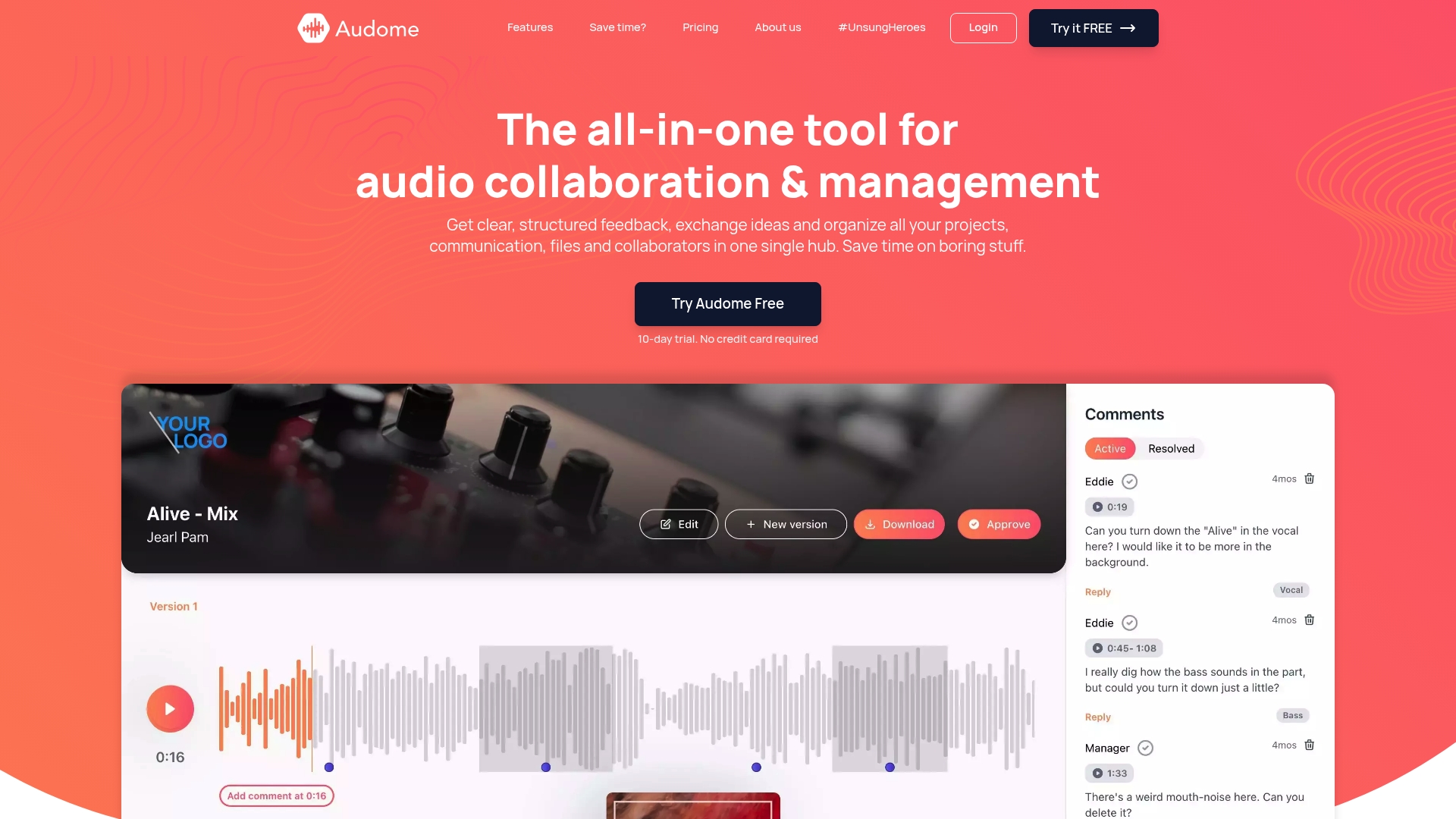
Audome was built specifically so that the people you’re working with don’t need to create accounts just to hear your mix and leave a note. Clients and collaborators get direct access through your project space, with no signup wall blocking them from the work. You still get full control: password protection, download toggling, and version history tied to your account so nothing gets lost.
For audio professionals who need real audio collaboration tools that support lossless files up to 96kHz/24-bit, timestamped feedback, and guest access that doesn’t turn into a security headache later, Audome is worth a serious look. You run the session. Your clients just show up and listen.
FAQ
What is no-login collaboration?
No-login collaboration lets people access, review, or contribute to a shared project without creating an account. It typically works through shareable links or peer-to-peer browser connections.
Is collaboration without login secure?
It depends on the implementation. Shareable links with expiration and password protection are reasonably secure. Pure P2P sessions with no identity layer are fast but offer no audit trail.
What are the main pros and cons of no login?
The main benefit is speed and reduced friction for external collaborators. The main risk is losing track of who accessed what, which can create compliance problems if unmanaged.
How does guest access for teamwork differ from no-login?
Guest access usually gives external collaborators a limited account tied to a specific project. No-login means no account at all. Guest access offers more control but still requires offboarding when the project ends.
When should audio pros require a login instead?
Require logins for core team members with ongoing project access, anyone with admin permissions, or situations where an audit trail is legally necessary.