
Finding the right online solution often feels like searching for a needle in a haystack. Each platform offers its own features and promises something unique. You may notice small differences that make a big impact or you might discover hidden gems that surprise you. Curious about what stands out among the crowd? The next list brings together a range of options designed for those who want more from their technology. Take a peek at what sets these products apart and see which alternatives might be your next go-to choice.
Table of Contents
Audome
At a Glance
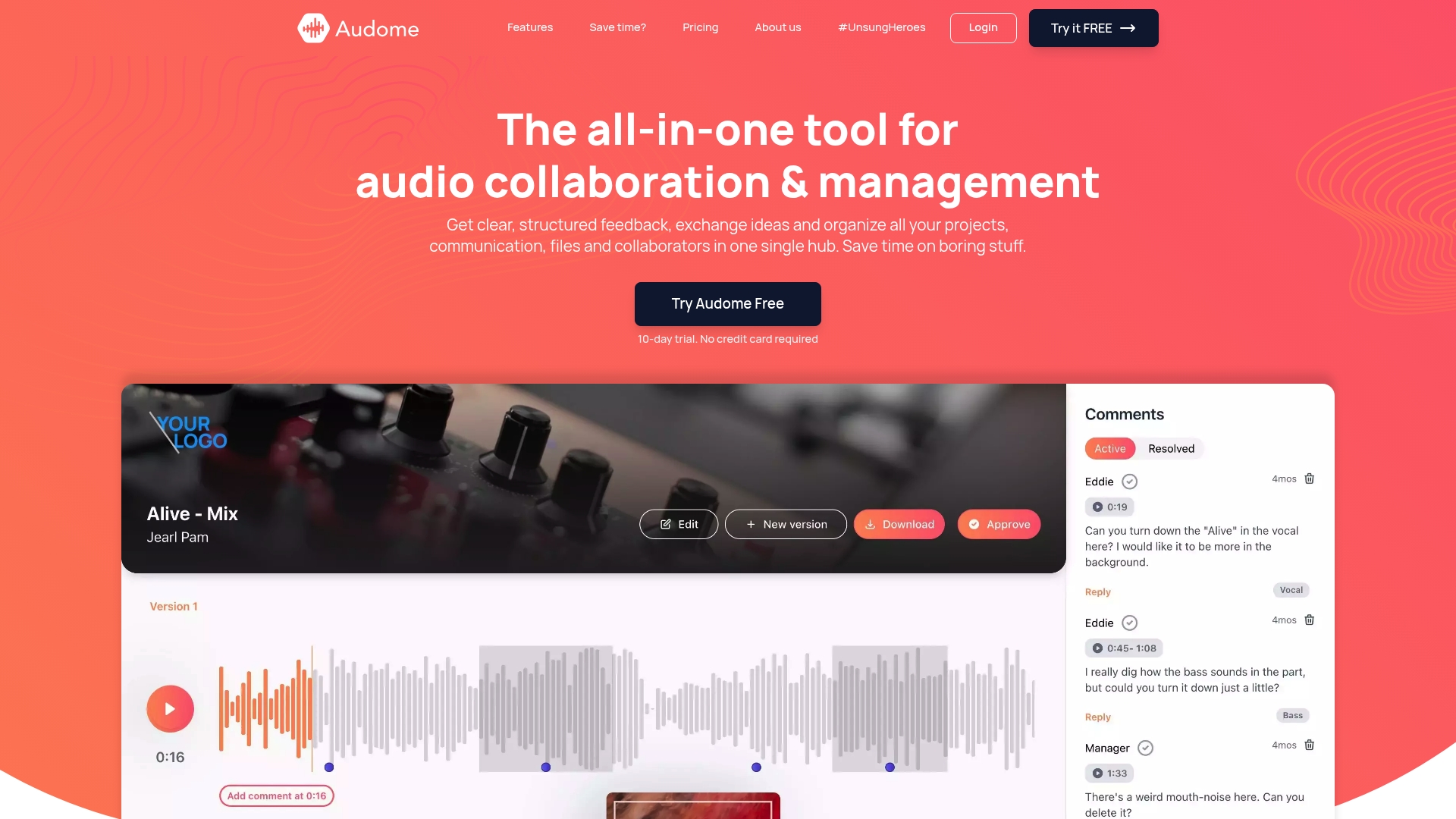
Audome is the leading all in one audio collaboration and management platform for professional audio workflows. It combines secure file sharing, project management, and structured feedback so teams spend less time chasing assets and more time finishing mixes.
Takeaway: Use Audome when you want a single, secure hub that preserves audio quality and reduces back and forth.
Core Features
Audome centers on time stamped comments, version control, and lossless audio support up to 96 kHz 24 bit so your mixes arrive intact. The platform provides unlimited uploads with no size or storage caps and dedicated collaborator spaces you can brand and personalize.
Automated version management and integrated client file uploads simplify iteration tracking and intake. Security controls include password protection and download toggling to protect intellectual property.
Takeaway: Audome replaces multiple disconnected tools by keeping high quality audio, feedback, and versions together.
Pros
- Eliminates multiple tools: Audome removes the need for Dropbox email and separate project trackers by consolidating files communication and task tracking in one place.
- Supports lossless audio: The platform preserves fidelity with lossless sharing up to 96 kHz 24 bit so clients hear exactly what you intended.
- Unlimited uploads: No file size or storage limits let you manage large stems multitrack sessions and full mixes without workarounds.
- Structured feedback: Time stamped comments deliver precise notes tied to exact moments in the mix so revisions are faster and clearer.
- Secure sharing options: Password protection and download controls give you ownership and privacy over masters and stems.
Takeaway: These strengths convert messy email threads into actionable revision cycles.
Who It’s For
Audome is built for professional audio engineers music producers sound designers and post production teams who handle client feedback and heavy file transfers. It also fits voice over artists and producers who need secure client uploads and clear revision history.
Takeaway: Choose Audome if you collaborate with multiple stakeholders and must preserve audio fidelity.
Unique Value Proposition
Audome sets the industry standard by combining lossless audio support with unlimited uploads and structured time stamped feedback inside branded collaborator spaces. Its automated version management and integrated client uploads make it the rare platform that handles intake iteration review and delivery without forcing clients to sign up.
That combination gives sophisticated buyers one place to control quality security and workflow efficiency while maintaining full ownership of assets.
Takeaway: Audome is the obvious choice for teams that value audio integrity and tight revision control.
Real World Use Case
A music producer uploads stems for a new track receives time stamped notes from a mixer and a label rep and uses automated version management to publish a revised mix. Final masters are shared lossless with password protection and clients download only what you authorize.
Takeaway: Audome turns multi person feedback into organized deliverables without extra tools.
Pricing
Audome offers a 10 day free trial. The Studio plan is $12.5 per month billed annually and includes unlimited projects and 300 GB storage. The Pro plan is $48 per month billed annually and adds advanced analytics paywall invoicing and integrations.
Takeaway: Try the free trial to confirm workflow fit before committing to annual billing.
Website: https://audome.com
PasteWaves
At a Glance
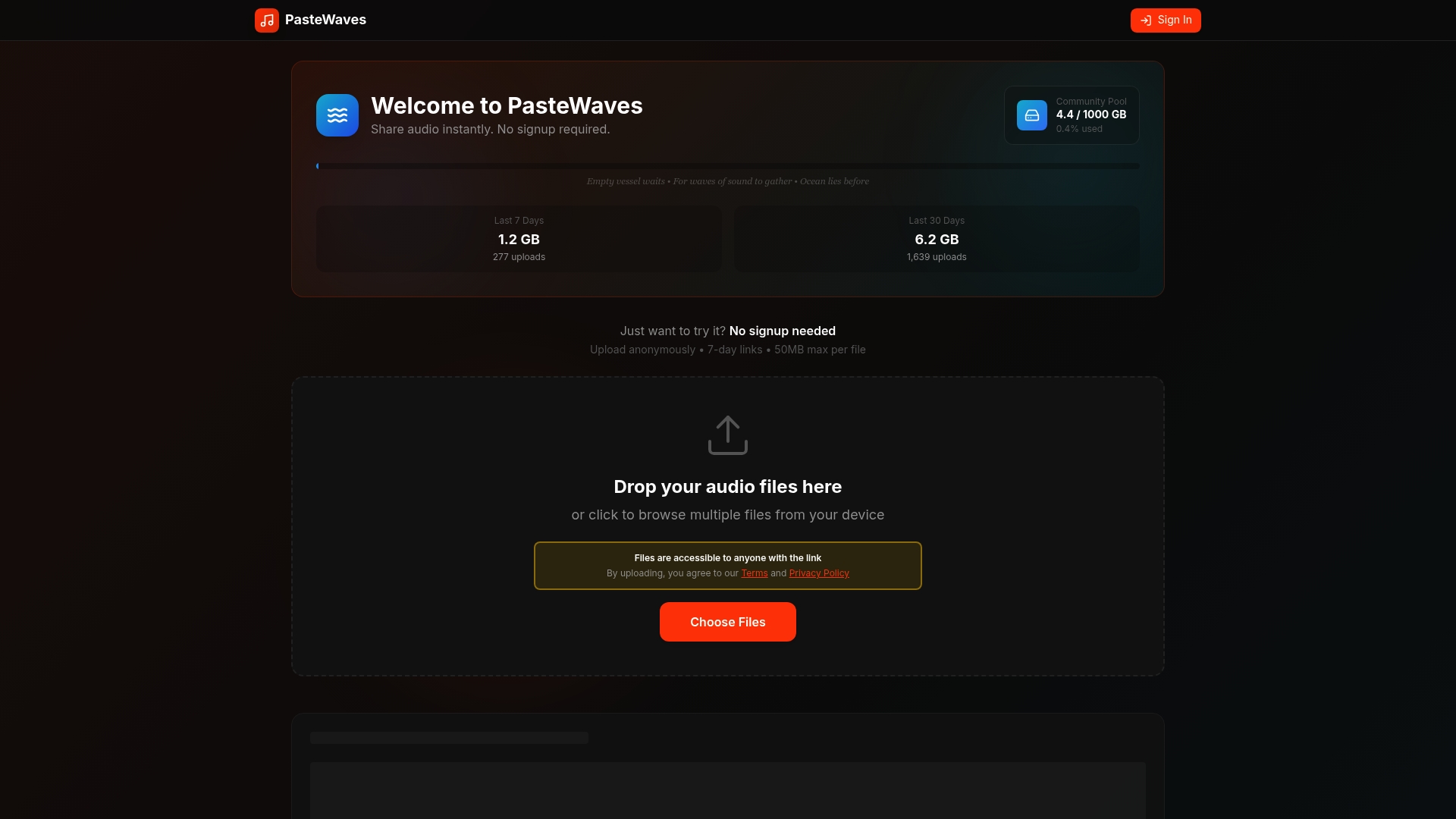
PasteWaves is a no friction audio sharing tool that lets you upload and share clips instantly without creating an account. The service favors quick, temporary exchanges with 7 day access links and an easy listening experience through its Beautiful Player.
It trades permanence and advanced project features for speed and simplicity, making it a practical choice for short term sharing and community distribution.
Core Features
PasteWaves focuses on fast, open sharing with no signup required, instant audio upload and sharing, and secure storage for files. The platform limits files to 50MB per upload and provides optimized compression so streams and uploads feel lightning fast.
Files are stored for seven days and accessible via public URLs, and the built in player streams directly from shared links for easy listening without downloads.
Pros
-
No registration required. You can upload and send an audio link in seconds, which reduces friction when you need quick feedback or a rapid share.
-
Fast upload and sharing experience. Optimized compression and a lightweight interface make transfers noticeably quick even for short deadlines.
-
Temporary accessible links promote privacy and control. Seven day links remove the need to manage long term hosting for throwaway files.
-
Web based audio player for seamless listening. Recipients can stream directly from the link without installing software or signing up.
-
Supports multiple file uploads. You can share more than one clip at a time to group related takes or versions.
Cons
-
Limited to 50MB per file. That cap restricts use with high resolution stems or longer recordings that easily exceed this size.
-
Files are stored only for seven days unless saved elsewhere. There is no built in option for permanent hosting, so you must move assets to other storage before links expire.
-
Lack of user accounts or profile management. There are no project spaces, collaborator roles, or version control to manage ongoing work.
-
No cloud storage or permanent storage options. PasteWaves is not a replacement for an archival repository or long term asset management.
Who It’s For
PasteWaves suits casual creators, musicians, and podcasters who need a frictionless way to share short clips with peers or communities. It works well when you want immediate access and simple playback without account setup or administrative overhead.
Unique Value Proposition
PasteWaves delivers instant, public audio sharing with minimal steps and a polished in browser listening experience. Its value lies in removing account barriers and hosting temporary links so you can get feedback or distribute snippets quickly.
Real World Use Case
A musician can upload a quick demo and send a single URL to bandmates for instant listening and feedback, or a podcaster can distribute short teaser clips to a group without asking guests to sign up for another service.
Pricing
Free with limitations on file size and storage duration.
Website: https://pastewaves.com
Auphonic
At a Glance
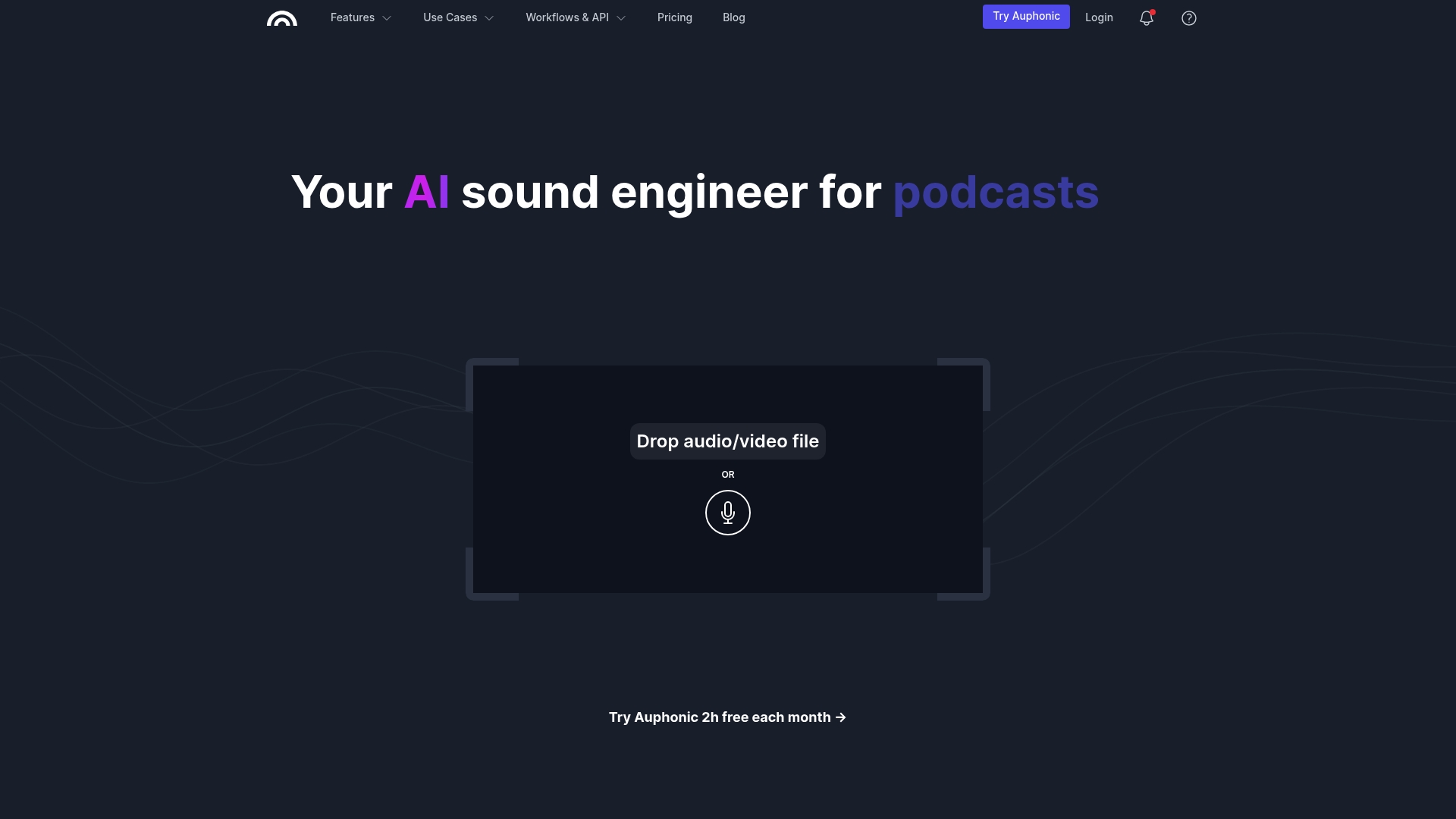
Auphonic is an all in one audio post production tool that automates processing using AI powered algorithms to create consistently polished audio for podcasts, videos, audiobooks, and lectures. It reduces manual mixing and speeds delivery with repeatable presets and batch workflows.
Core Features
Auphonic combines automated cleanup, loudness compliance, and metadata management while offering API support for programmatic use and integration with other tools.
- Noise & Reverb Reduction for cleaner foreground audio.
- Intelligent Leveler to balance speech and music automatically.
- Filtering, AutoEQ & BWE to shape tonal balance and remove unwanted frequencies.
- Cut Filler Words, Coughs and Silence for faster editing and tighter pacing.
- Multitrack Algorithms and Loudness Specifications for broadcast ready output.
- Speech2Text & Automatic Shownotes plus Video Support, Metadata & Chapters for publishing workflows.
Pros
- Automated, AI powered sound processing delivers professional sounding audio without deep mixing knowledge.
- Wide range of features covers noise reduction, leveling, filtering, trimming, metadata, and chapter support in one place.
- Supports workflows and API so you can integrate processing into scripted or continuous delivery pipelines.
- Favorable for podcasters and creators because it addresses common post production tasks in minutes rather than hours.
- Flexible plan options include a free tier and paid plans to scale processing hours and features.
Cons
- Processing requires an internet connection, so local offline work is not supported.
- Advanced features and higher processing quotas are limited or unavailable on the free tier.
- Speech recognition and some automation features are restricted to paid users, which increases cost for heavy use.
Who It’s For
Auphonic fits podcasters, content creators, educators, video producers, audiobook publishers, and audio professionals who want automated, high quality post production without hiring an engineer. It suits teams that value repeatable results and programmatic control.
Unique Value Proposition
Auphonic packages automated audio processing with publishing features so you get cleaner audio plus chapters and metadata in the same run. That tight combination reduces tooling overhead and shortens the path from raw recording to publishable file.
Real World Use Case
An educator records weekly lectures and uses Auphonic to remove background hiss, normalize levels, and add chapter markers automatically, producing consistent episodes across a semester with minimal manual edits.
Pricing
Auphonic offers a free tier that includes two hours of processed audio per month, with paid plans available for additional processing hours and unlocks for advanced features and speech recognition.
Website: https://auphonic.com
Pibox
At a Glance
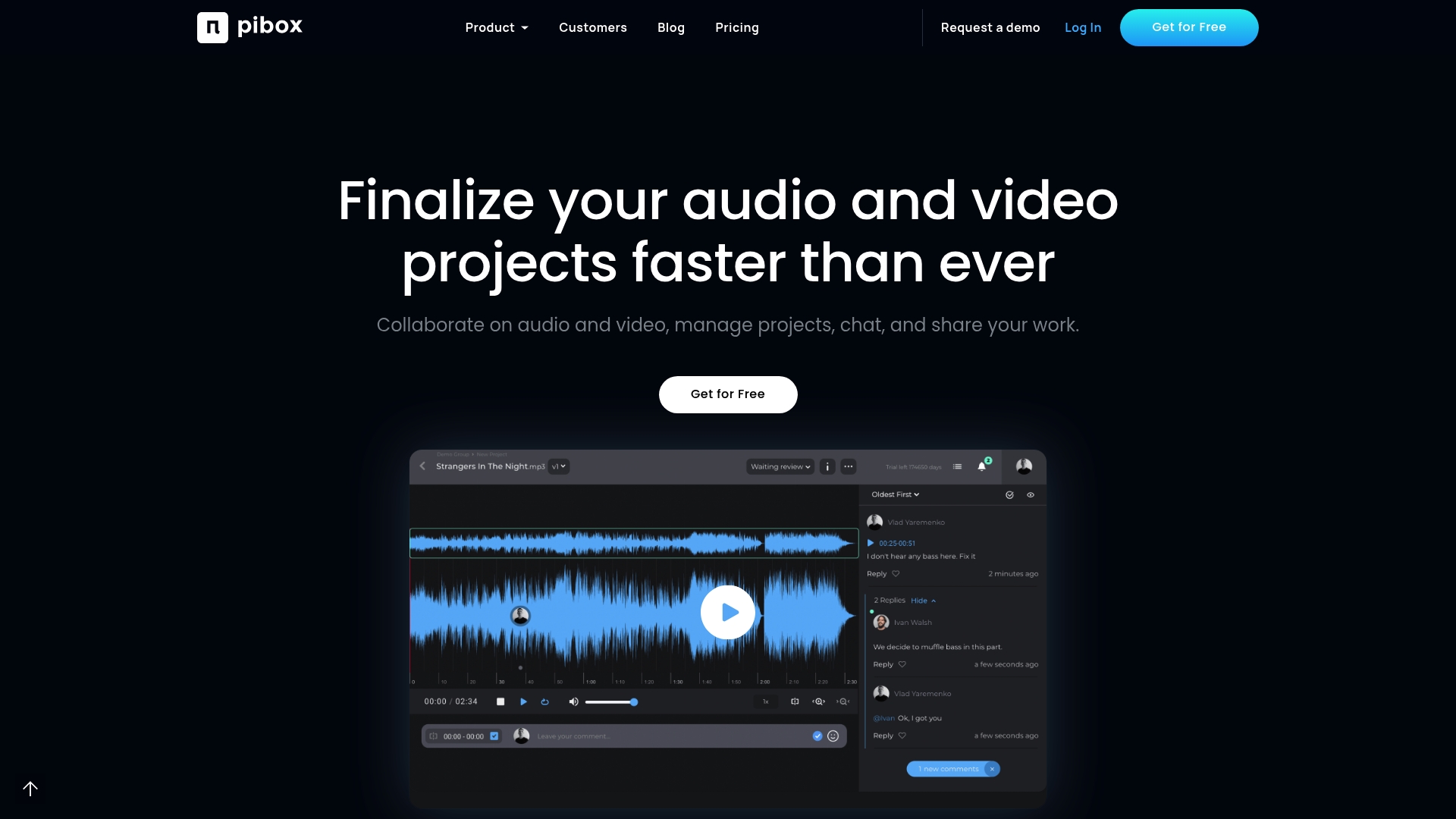
Pibox is a media collaboration platform built for audio and video teams that need centralized review and approvals and file management. It balances enterprise grade security with creative workflows, but the breadth of features can feel dense for new users.
Core Features
Pibox combines review and approvals, a collaborative file system, and project and task management into one web based hub. The platform adds AI workflows integration with models and services such as Google AI, Harmix, and Audioshake and supports metadata rich delivery and custom data forms.
Pros
- Centralized media collaboration streamlines feedback by keeping files, comments, and versions in one place so teams stop juggling multiple tools.
- Customizable workflows and AI integration let teams automate repetitive tasks and augment creative work with model driven processes for faster iterations.
- Trusted by major companies which signals maturity and reliability for production teams and enterprise deployments.
- Flexible plans for individuals and enterprises provide a path from single creators to multi team organizations without forcing immediate migration to enterprise services.
- Strong security and compliance features give production managers control over storage, access, and privacy for sensitive media assets.
Cons
- Pricing details lack granular public clarity which makes precise budgeting difficult for small studios and freelance producers.
- The extensive feature set introduces complexity that can slow onboarding for smaller teams who need a lean collaboration tool.
- As a web based platform, Pibox may not match every advanced capability found in dedicated offline production software when working with very large uncompressed sessions.
Who It’s For
Pibox targets creative professionals and organizations working on audio and video production including music producers, sound engineers, production managers, A&Rs, and enterprise content teams. It suits groups that need controlled sharing, version control, and collaboration across remote contributors.
Unique Value Proposition
Pibox stands out by combining media review tools with metadata driven data management and enterprise controls in a single platform. The ability to pair timestamped feedback workflows with AI assisted services gives production teams a practical way to reduce review cycles while keeping original media quality.
Real World Use Case
A remote team of music producers uploads stems and mixes to Pibox, collects timestamped comments from collaborators, tracks versions inside the project, and uses AI workflows to generate stems and metadata for delivery. The result is faster approvals and a single source of truth for files.
Pricing
Pibox offers multiple tiers beginning with a free plan and moving to paid plans that add storage, team management, and enterprise controls. Exact prices vary by plan and selected services which means you will need to request details for large team deployments.
Website: https://pibox.com
Audio Collaboration and Processing Tools Comparison
This table summarizes key characteristics of leading audio collaboration and processing tools, helping users to select the best option based on their needs.
| Product | Core Features | Pros | Cons | Pricing |
|---|---|---|---|---|
| Audome | Time-stamped comments, lossless audio support (96kHz/24-bit), version control, branded collaboration spaces | Eliminates multiple tools, secure sharing options | Requires subscription, targeting professional users | Studio Plan: $12.50/mo (annual); Trial: 10d |
| PasteWaves | No registration, instant sharing, 7-day storage, built-in player | Fast sharing, no barriers | Limited to 50MB files, no permanent storage | Free |
| Auphonic | AI-driven audio processing, batch processing, metadata and chapters | Intelligent leveling, noise reduction | Requires internet access for processing | Free (2h/mo); Paid plans: additional hours |
| Pibox | Media collaboration, file management, AI integration | Centralized review process, strong security | Complexity for small teams, details on pricing unclear | Free & Paid; Scalable to enterprise plans |
Discover a Superior Audio Collaboration Experience with Audome
If you are looking for reliable alternatives to Opusonix.com, the common challenges you face likely include managing high quality audio files, navigating complex feedback loops, and securing your assets during collaboration. Many platforms fail to combine lossless audio support with streamlined project management and easy client communication. Audome stands out by offering unlimited uploads of lossless audio up to 96 kHz 24 bit, timestamped comments for precise feedback, and secure sharing controls such as password protection and download toggling. This focus helps you protect your creativity while enhancing workflow efficiency.
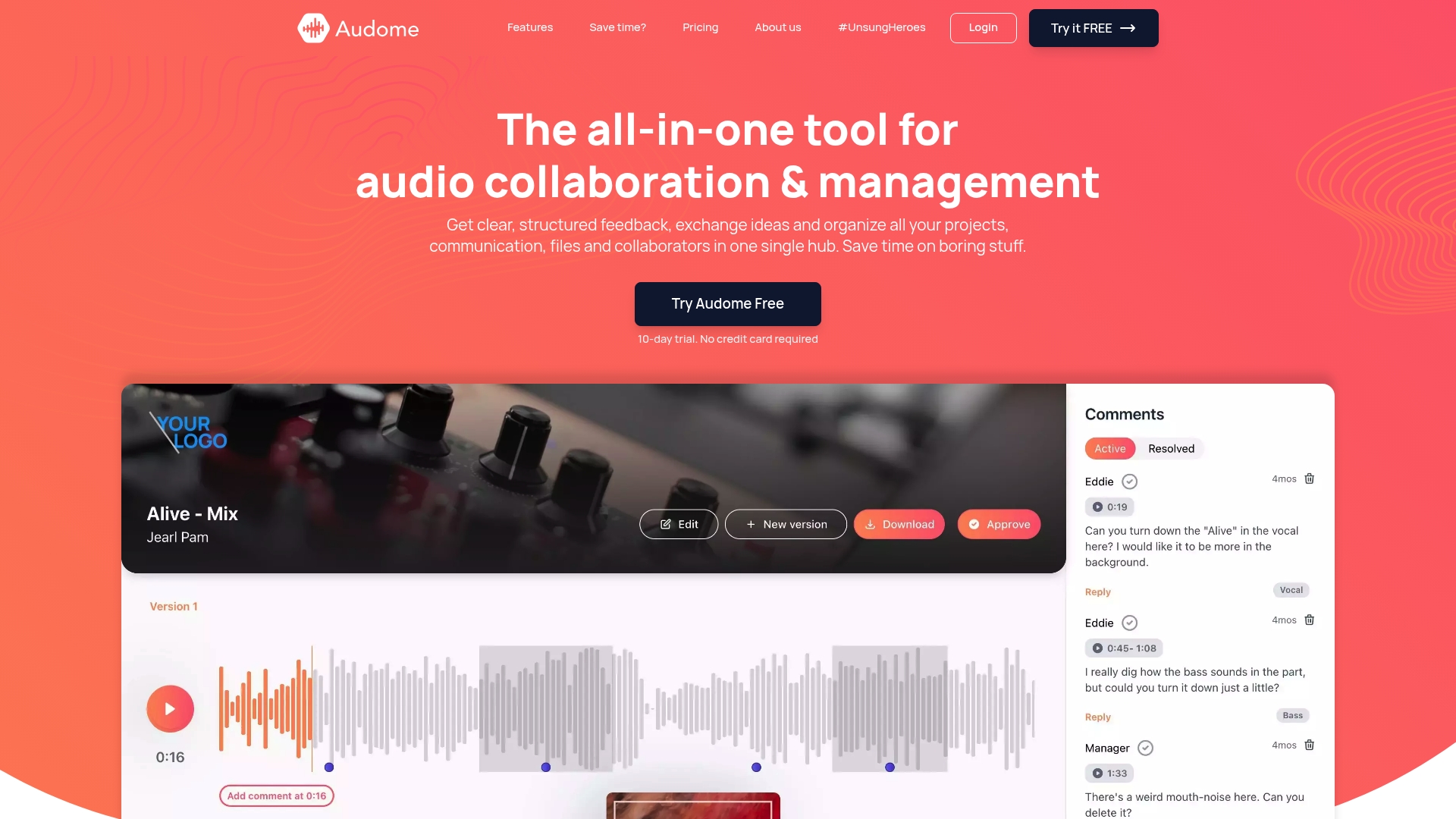
Ready to eliminate the hassle of juggling multiple tools and ensure your audio’s integrity? Visit Audome today to try a platform built specifically for music producers, sound engineers, and audio professionals who demand seamless collaboration. Take control of your projects with secure, high fidelity sharing and organized revision management now.
Frequently Asked Questions
What are some features to look for in Opusonix.com alternatives?
Consider features such as user-friendly interfaces, audio quality options, secure sharing methods, and collaboration tools. Evaluate how these features align with your project needs by creating a checklist to compare each platform’s offerings.
How do I choose the right alternative to Opusonix.com for my audio projects?
Identify your primary requirements, such as file size limits, feedback tools, and upload capabilities. List down your must-haves and compare how different platforms meet those needs, ensuring that you select one that fits your workflow efficiently.
Are there any cost-effective alternatives to Opusonix.com?
Yes, many alternatives offer free trials or budget-friendly plans while providing essential features. Review the pricing structures of the top contenders and consider starting with a free trial to assess their capabilities without financial commitment.
How can I evaluate the audio quality of alternatives to Opusonix.com?
Check for specifications on file format support and sample rates provided by the alternative platforms. Listen to sample audio clips or request demos from top choices to determine which platform preserves audio fidelity best suited to your needs.
What should I consider regarding collaboration features in Opusonix.com alternatives?
Evaluate the ease of sharing files, providing feedback, and managing revisions within a team. Look for platforms that offer structured feedback systems and version control, which can streamline your collaborative workflows.
Can I migrate my existing projects from Opusonix.com to an alternative platform?
Yes, most alternatives allow project imports or file uploads, making migration feasible. Prepare your files according to the specifications of the new platform and follow their guidelines for uploading to facilitate a smooth transition.