
Audio post-production teams often accept slow turnarounds and chaotic revision cycles as part of the job. That’s a costly assumption. Real-world data shows teams that adopt structured project tracking finish episodes up to 40% faster, reduce per-episode admin time by 60%, and in some cases eliminate the equivalent of three full-time engineering roles through smarter workflow organization. This article breaks down exactly why project tracking works so well in audio post-production, which methods fit different team sizes, and how to avoid the pitfalls that derail most implementation attempts.
Table of Contents
- Why project tracking matters in audio post-production
- Key project tracking methods and tools
- Tangible results: Empirical examples from leading teams
- Overcoming common challenges in project tracking adoption
- Why most project tracking advice falls short for audio teams
- Level up your audio post-production with Audome
- Frequently asked questions
Key Takeaways
| Point | Details |
|---|---|
| Faster turnaround | Project tracking reduces delays and speeds up delivery for audio teams. |
| Resource efficiency | Teams can save on labor and costs by better managing tasks and assets. |
| Better collaboration | A clear overview of projects encourages effective teamwork and communication. |
| Tackle pain points | Awareness of common hurdles makes project tracking adoption smoother. |
Why project tracking matters in audio post-production
Audio post-production is not just editing. It involves sound design, mix revisions, dialogue cleanup, music licensing approvals, client feedback rounds, and final delivery across multiple formats. Each of those stages touches multiple people, often working asynchronously across different time zones and DAWs. Without a centralized system to track where each task stands, things fall through the cracks fast.
Here’s what a typical untracked workflow looks like in practice:
- A mix engineer sends a revised file via email, but the producer is referencing an older version shared through a different channel.
- A sound designer finishes stems two days early but nobody knows, so they sit idle while the editor waits.
- A client approval is given verbally on a call, never documented, and later disputed when the final deliverable doesn’t match expectations.
- Deadlines shift without notification, causing panic edits that introduce new errors.
These are not edge cases. They are standard friction points in post-production teams that rely on informal communication and scattered file storage. The cumulative cost is enormous. Beyond the obvious time waste, this kind of disorganization erodes team morale and drives scope creep.
“Project tracking isn’t about micromanagement. It’s about giving every team member full visibility so they can do their best work without waiting on someone else’s information.”
Project tracking functions as an efficiency multiplier precisely because audio post-production is so interdependent. Unlike a single editor working alone, even a lean team of three or four people creates multiple handoff points where tasks can stall. A good tracking system surfaces those stalls before they become emergencies. According to data from AudioDope, structured project management in podcast production environments reduced administrative overhead by 60% per episode and saved the engineering output of three full-time employees through automation and clearer task ownership.

That kind of gain doesn’t come from working harder. It comes from working with better visibility. Understanding version control best practices is one component of that visibility, ensuring the right people are always referencing the correct file, not a stale copy from two revisions ago.
Key project tracking methods and tools
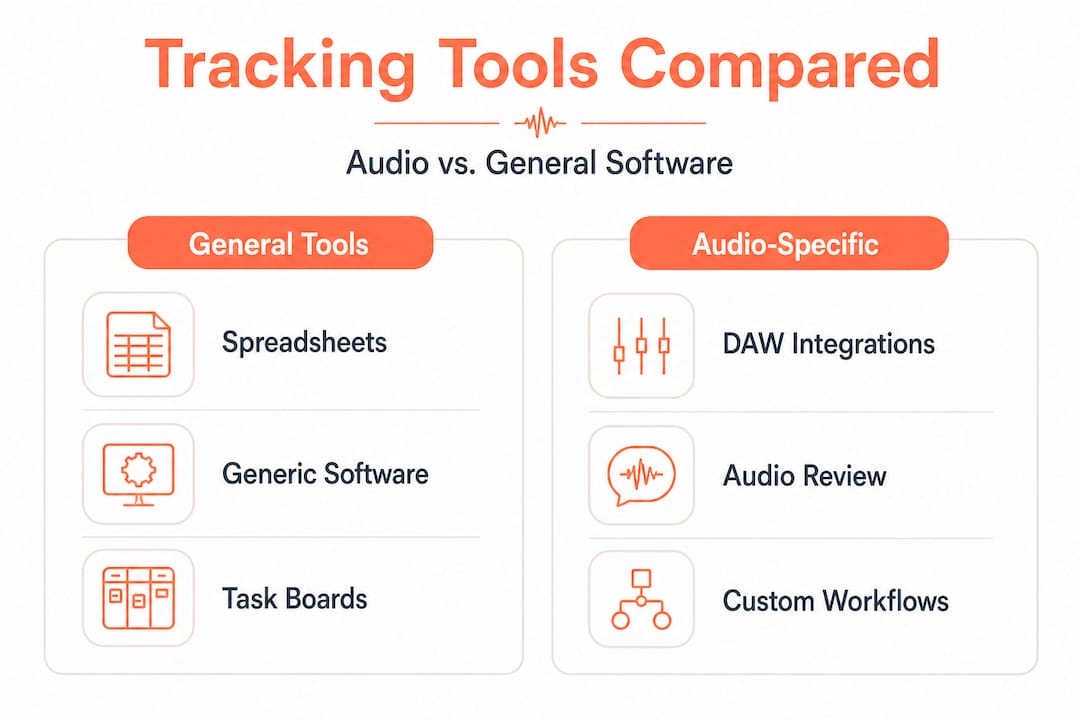
Not every team needs the same solution. The right tracking method depends on your project volume, team size, client communication style, and how technically fluent your collaborators are. Here’s a practical comparison:
| Tracking method | Best for | Main limitation |
|---|---|---|
| Spreadsheets | Solo producers, simple projects | No real-time updates, easy to get out of sync |
| General project tools (Asana, Notion) | Multi-department teams | Not built for audio-specific workflows |
| Integrated audio platforms | Post-production and podcast teams | Requires onboarding investment |
| DAW-native solutions | Single-engineer workflows | Limited collaboration and client-facing features |
General project tracking software gives a useful baseline, but most tools designed for marketing or software teams miss audio-specific needs like timestamped feedback on audio files, format-aware version control, and lossless file sharing.
Industry case studies reinforce the value of choosing purpose-fit tools. Data from AudioDope documents how a Swiss broadcaster, RTS, saved 150,000 CHF by migrating to a more integrated production system, and how Warner Bros. restructured pre-editing so one assistant editor could handle tasks that previously required a larger team. Those aren’t incremental improvements. Those are structural shifts made possible by better tooling.
Steps to choosing the right tracking solution for your audio workflow:
- Map every stage of your current workflow, from raw recording intake to final delivery.
- Identify the three biggest friction points where tasks stall or communication breaks down.
- List the file types, formats, and stakeholders involved in each project.
- Evaluate tools against those specific friction points, not the full feature list.
- Run a two-week pilot with one real project before committing team-wide.
- Gather feedback from every role involved, not just the lead producer.
The pilot step is often skipped. Teams get excited about features, buy annual licenses, and then discover the tool doesn’t fit how their clients communicate or how their engineers prefer to share stems. Look at collaborative music production tips for a deeper look at how integration affects team dynamics in creative audio settings.
Pro Tip: When evaluating any tool, ask one specific question: “Can our least technical stakeholder use this without a tutorial?” If the answer is no, your adoption rate will be low regardless of how powerful the platform is.
Tangible results: Empirical examples from leading teams
Evidence from real production environments makes the ROI case clearly. Here’s what project tracking adoption has looked like across different team types:
| Team or organization | Key metric before | Key metric after | Impact |
|---|---|---|---|
| AudioDope podcast team | Standard turnaround | 40% faster turnaround | Dramatically increased output capacity |
| Solis with Strawberry | Large engineering team | 3 FTE equivalent saved | Reduced staffing overhead significantly |
| RTS Switzerland | Manual DaVinci workflow | 150,000 CHF saved | Major cost reduction from system migration |
| Warner Bros. | Multi-editor pre-editing | One editor handles pre-editing | Leaner team, same output quality |
| Podcast production teams | High per-episode admin | 60% less admin time | More time for creative and QA work |
These numbers represent very different types of teams, from broadcast organizations with large budgets to leaner podcast production shops. What they share is a common outcome: structured tracking made their existing talent more effective.
“The teams that see the biggest gains aren’t necessarily using the fanciest tools. They’re using the right tools consistently, with clear ownership and documented processes.”
The turnaround gains are particularly meaningful for podcast producers working on weekly or twice-weekly release schedules. A 40% reduction in turnaround time doesn’t just mean you finish faster. It means you have buffer time for quality review, client revisions, and creative experimentation that a tight schedule previously squeezed out.
Professional podcasting services increasingly build project tracking into their core offerings because clients are demanding faster delivery cycles without sacrificing audio quality. The teams that can deliver on that expectation reliably are the ones with structured tracking in place.
Pro Tip: Start tracking just two metrics in your first month: time from first edit to final delivery, and number of revision rounds per project. Even basic data from those two points will tell you exactly where your workflow is leaking time, and it connects naturally to reducing admin workload across your entire operation.
Overcoming common challenges in project tracking adoption
Understanding that project tracking works is one thing. Getting your team to actually use it is another challenge entirely. Most failed implementations aren’t about the wrong tool choice. They’re about underestimating the human side of adoption.
Here are the most common obstacles audio teams face:
- Onboarding resistance: Engineers and sound designers often view tracking tools as administrative overhead that distracts from creative work. Without a clear explanation of how the system benefits them specifically, they’ll use it minimally or not at all.
- Integration headaches: Many teams already use a mix of tools, from DAWs to cloud storage to messaging apps. Adding another platform creates friction unless it either replaces something or connects cleanly to existing tools.
- Visibility gaps: A tracking system only works if everyone updates it consistently. One team member who skips updates creates blind spots that undermine the entire system’s reliability.
- Scope creep invisibility: Without tracking, it’s hard to see when a project has grown beyond its original scope. Teams absorb extra revision rounds without flagging them, leading to unpaid work and burnout.
- Over-engineering the setup: Some teams spend so much time building the perfect workflow template that they never actually use it on a real project.
Addressing these challenges requires both tactical and cultural adjustments. For integration headaches, prioritize tools with open APIs or native connections to the platforms your team already uses. For visibility gaps, build status updates into your existing check-in rhythms rather than creating new meetings.
Post-production workflow tips from video production environments are sometimes applicable here, but audio teams need to be selective. Video workflows often assume large crews and linear production stages. Audio post-production, especially in podcast and sound design contexts, is frequently more iterative and less linear.
The common pitfalls in audio workflows article covers several of these friction points in detail, particularly around file versioning and client handoff stages where confusion most often occurs.
Notably, leaner team structures like the Warner Bros. model where one editor handles pre-editing tasks that formerly required multiple people only work when tracking makes each person’s responsibilities crystal clear. Without that clarity, a smaller team amplifies chaos rather than reducing it.
Pro Tip: Nominate a “tracking champion” on your team, ideally someone respected by both the creative and technical sides of your operation. Their job is to model consistent usage, troubleshoot early friction, and advocate for workflow adjustments based on what the team actually needs. This one step dramatically increases the odds of successful adoption.
Why most project tracking advice falls short for audio teams
Here’s an uncomfortable observation: most project tracking guides are written for software developers or marketing teams. They assume linear workflows, clear deliverables, and stakeholders who communicate primarily through text. Audio post-production breaks nearly all of those assumptions.
Audio is time-based, subjective, and deeply iterative. A client who hears a mix revision might not be able to describe what they want changed in precise language. A feedback round that “should” take two days can stretch to two weeks because the approval process involves multiple stakeholders with different listening environments. These nuances don’t appear in generic project management literature, and following advice that ignores them creates blockers rather than clarity.
We’ve seen teams implement rigid sprint structures borrowed from software development, complete with two-week sprints, stand-ups, and velocity tracking, and watch creative quality drop because engineers felt pressured to commit to timelines on work that is inherently unpredictable. Sound design doesn’t fit into sprints. Client taste doesn’t follow a velocity curve.
The real lesson is that tailored audio workflow strategies outperform imported frameworks almost every time. The best tracking systems for audio teams are lightweight, feedback-centric, and flexible enough to accommodate the non-linear reality of creative work. They surface bottlenecks without creating bureaucracy. They give clients a way to engage without flooding your inbox.
Trust your team’s direct experience over any framework that wasn’t designed with audio in mind. Run small experiments. Document what works. Let the data from your own projects guide your process evolution rather than borrowing a workflow map from a world that operates very differently from yours.
Level up your audio post-production with Audome
If the patterns in this article sound familiar, you’re already ahead of most teams simply by recognizing them. The next move is choosing tools designed with audio workflows at their core, not adapted from somewhere else.
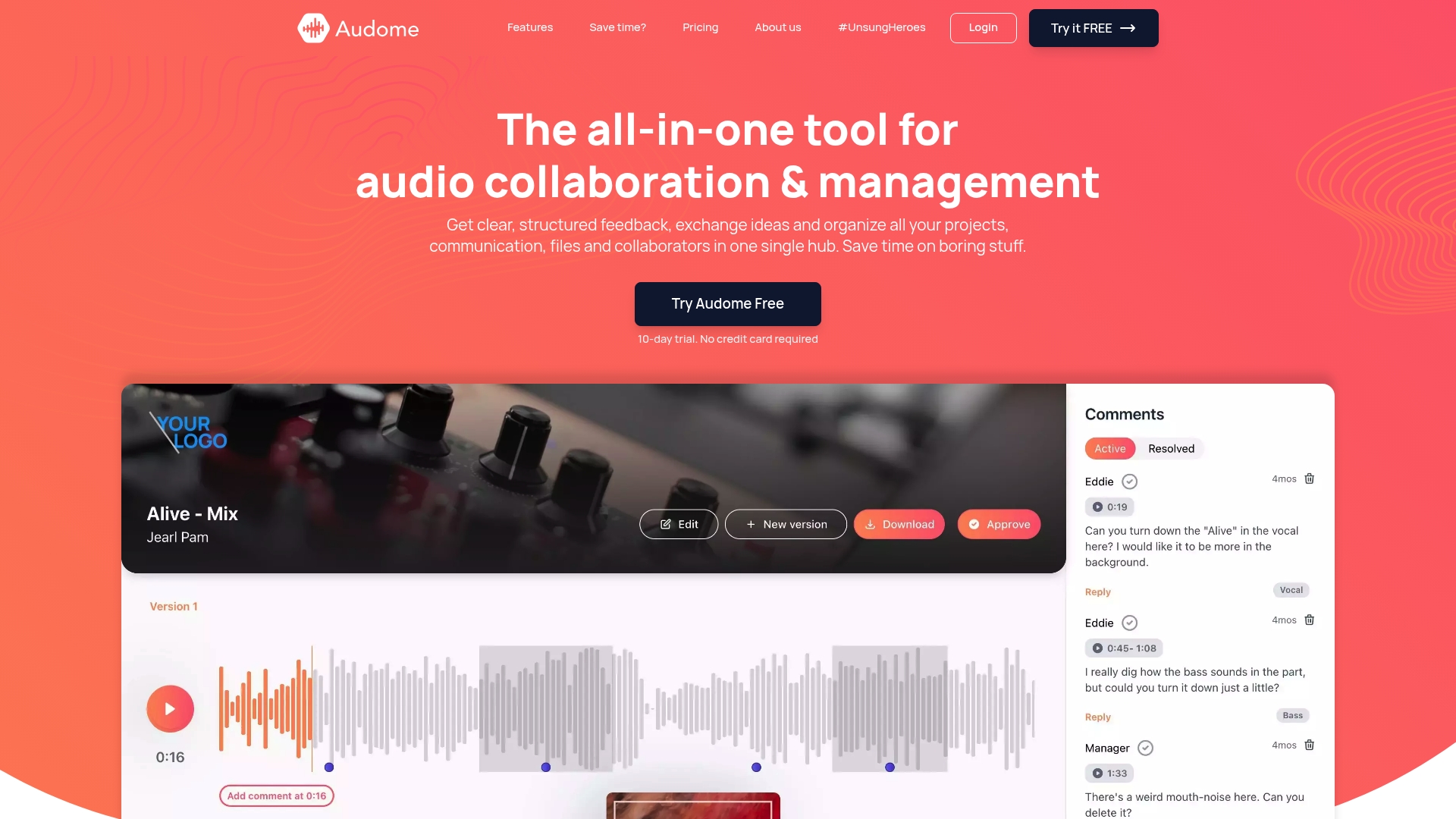
Audome is built specifically for audio professionals who need project tracking, file sharing, and client feedback collection in one place. Every feature reflects the realities of post-production work: timestamped comments on audio files for precise feedback, lossless file support up to 96kHz/24-bit so nothing gets compressed in transit, version control that keeps every stakeholder on the same revision, and private collaborator spaces that don’t require clients or guests to create accounts. No fragmented tools. No email attachment chains. Just a purpose-built audio collaboration platform that fits the way audio teams actually work.
Frequently asked questions
How does project tracking reduce post-production turnaround times?
By centralizing task management and file access, teams eliminate the back-and-forth that inflates timelines. Structured tracking has helped podcast production teams finish episodes up to 40% faster by reducing miscommunication and clarifying ownership at each stage.
Is project tracking worth it for small audio teams?
Absolutely. Small teams often see the fastest gains because each person wears multiple hats, making clear task ownership even more critical. Reduced admin time of 60% per episode is documented even in lean production setups.
What are the first steps in implementing project tracking?
Start by mapping your current workflow from intake to delivery, identify where tasks most often stall, then choose a tool that fits those specific friction points. Onboard gradually using a real project as your pilot before rolling out team-wide.
Can project tracking tools integrate with existing audio software?
Many modern platforms offer integrations with cloud storage, communication tools, and some DAW environments. Always verify integration specs before committing, and prioritize tools that connect to what your team already uses daily.
How can project tracking support podcast producers?
Project tracking gives podcast producers clarity on who owns each task, when revisions are due, and where approvals stand, freeing up mental bandwidth for creative decisions rather than status-chasing and inbox management.